Introduction
Docker has revolutionized the way we develop, ship, and run applications. While many developers are familiar with using Docker in development environments, deploying Docker in production requires a deeper understanding of its capabilities and best practices.
Understanding Docker Architecture
Docker containers are lightweight, portable, and self-sufficient, making them ideal for production environments. At the core of Docker is its client-server architecture. The Docker daemon runs on the host machine and manages images, containers, networks, and volumes.
Building Secure Images
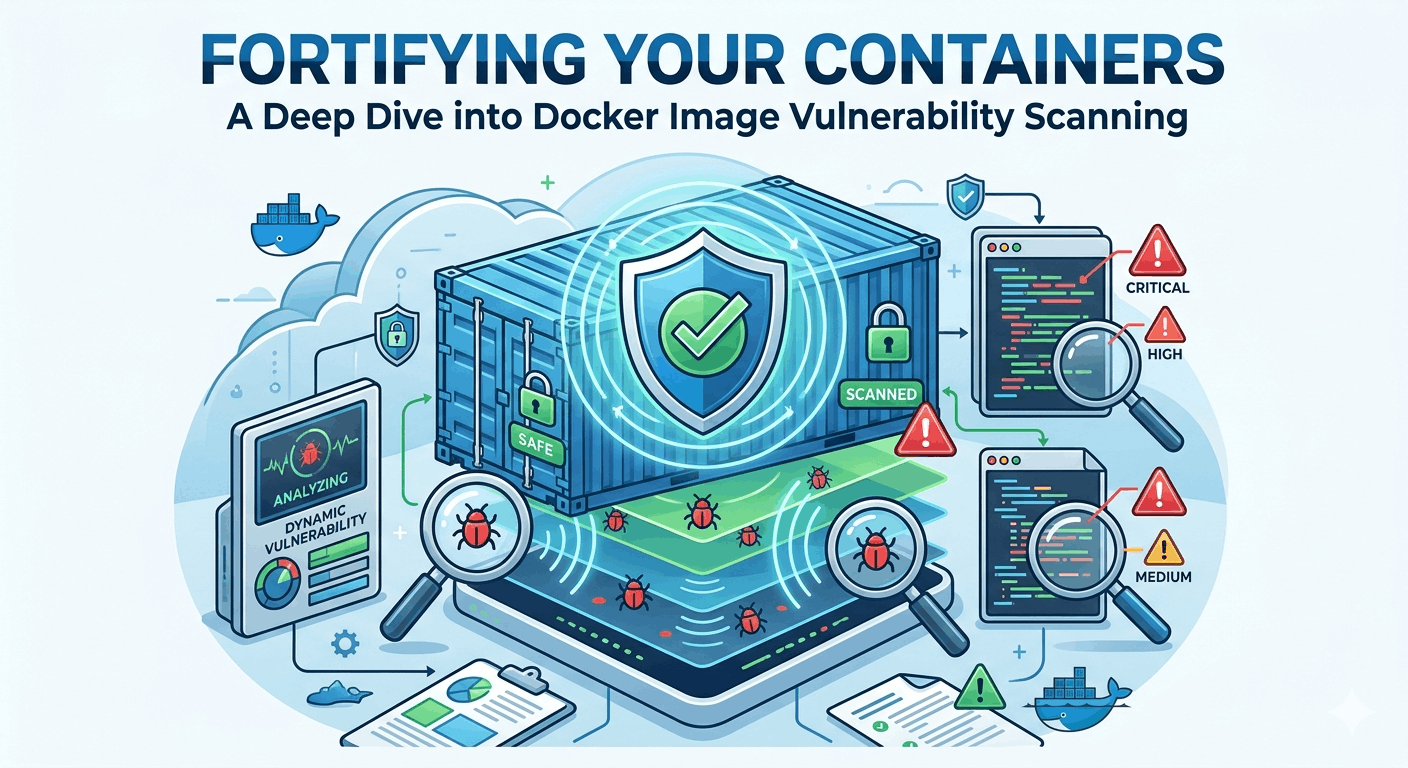
Security should be a top priority when deploying applications. Always use official and verified images as a base. Implement multi-stage builds to reduce the attack surface and avoid including unnecessary tools and libraries in your final image.
# Multi-stage build example
FROM golang:1.17 AS builder
WORKDIR /app
COPY . .
RUN go build -o myapp

FROM alpine:latest
WORKDIR /app
COPY --from=builder /app/myapp .
CMD ["./myapp"]
Efficient Resource Management
To ensure optimal performance, configure resource limits for your containers using Docker's built-in options. Setting CPU and memory limits prevents a single container from monopolizing the host's resources.
docker run --cpus="1.5" --memory="512m" myappNetworking in Docker
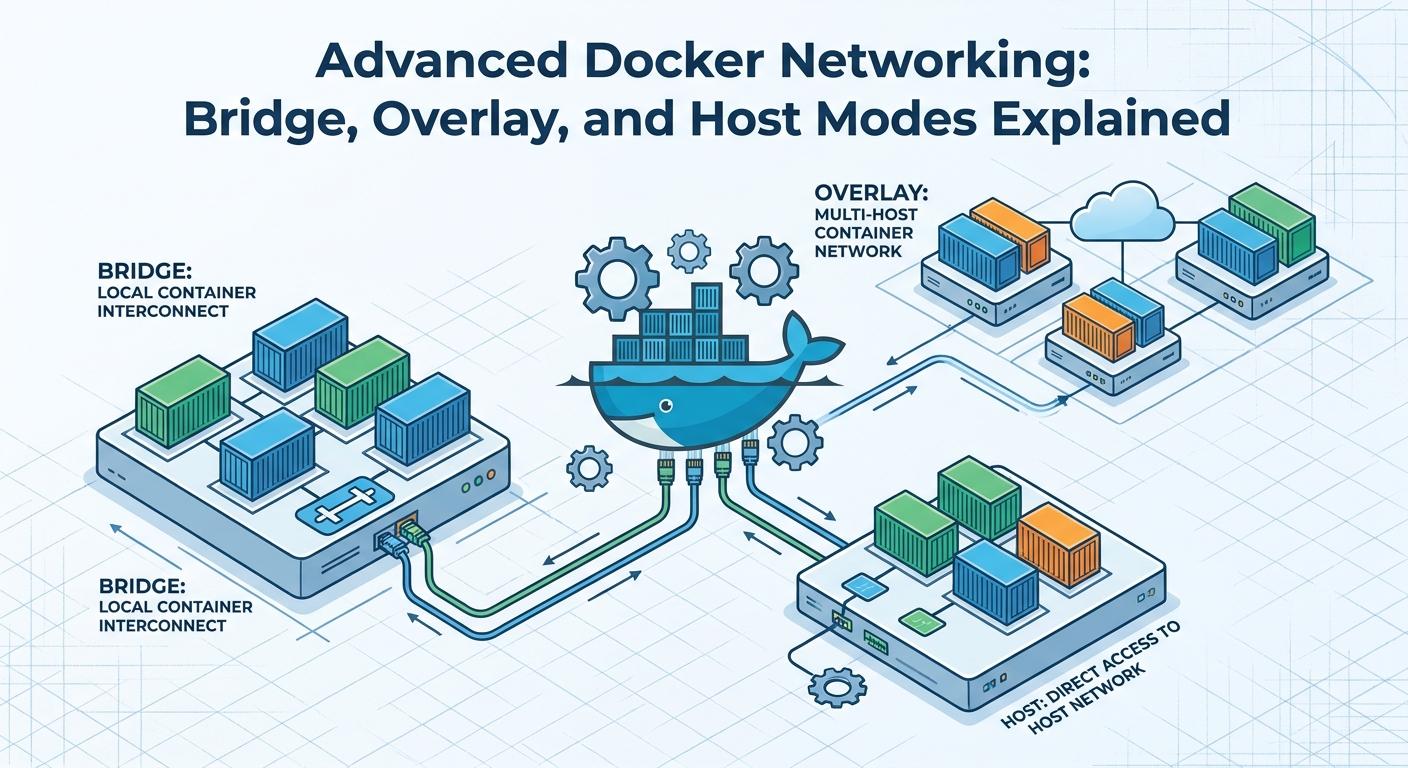
Docker provides several networking options, including bridge, host, and overlay networks. Choose the appropriate network mode depending on your application's requirements. For instance, use overlay networks for multi-host communication.
Logging and Monitoring
Monitoring is crucial for maintaining application health in production. Docker allows you to integrate with logging drivers like json-file, syslog, and external services such as ELK Stack or Splunk to collect, store, and analyze log data.
docker run --log-driver=syslog myappOrchestrating with Kubernetes
While Docker Swarm is a native orchestrator, Kubernetes has become the de-facto standard for managing containerized applications at scale. Kubernetes provides robust features for deployment, scaling, and management of Docker containers in production.
Implementing CI/CD Pipelines
Continuous Integration and Continuous Deployment (CI/CD) pipelines automate the process of testing and deploying applications. Tools like Jenkins, GitLab CI, or GitHub Actions can be configured to build Docker images and deploy them to production seamlessly.
Conclusion
Mastering Docker for production environments involves understanding its architecture, implementing security best practices, managing resources efficiently, and utilizing orchestration tools like Kubernetes. By adopting these strategies, you can ensure that your applications are robust, scalable, and secure in production settings.

Written by
CodewithYohaFull-Stack Software Engineer with 7+ years of experience in Java, Spring Boot, and cloud architecture across AWS, Azure, and GCP. Writing production-grade engineering patterns for developers who ship real software.