Introduction
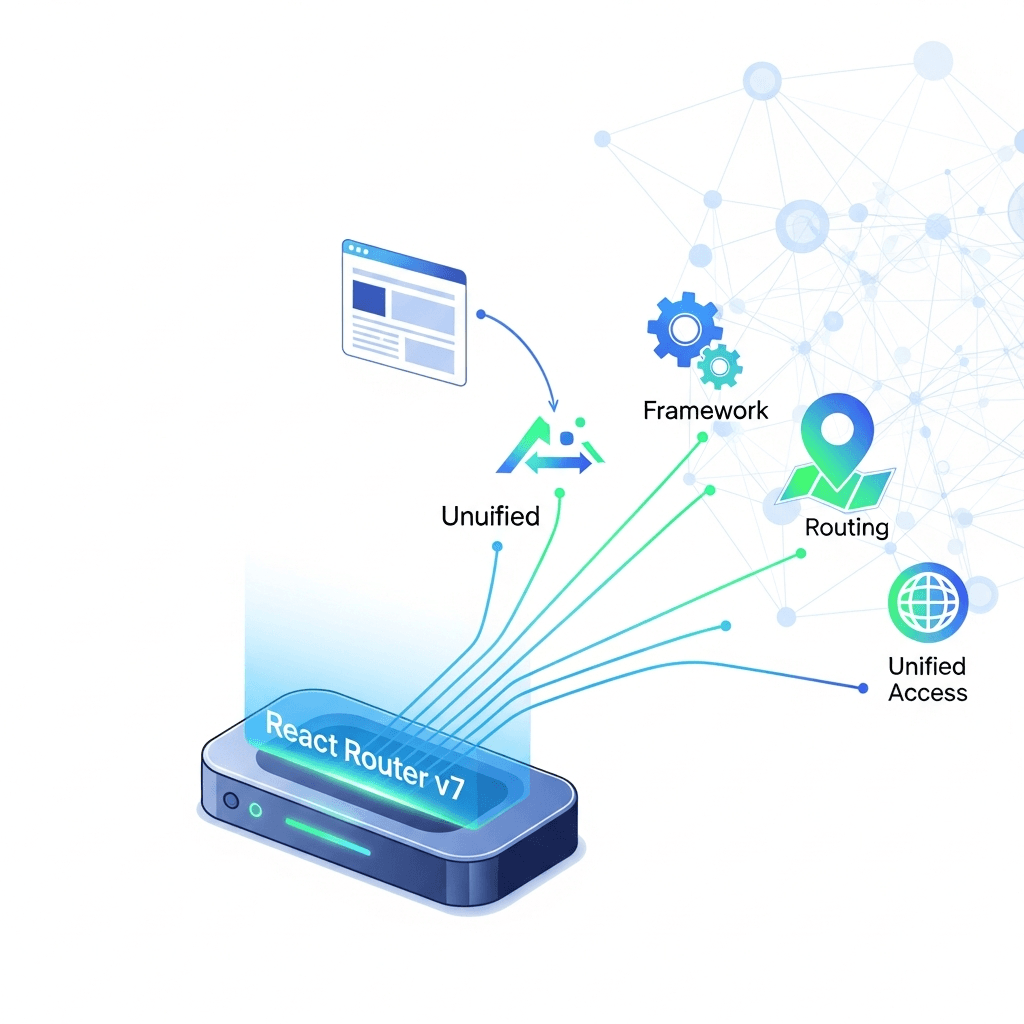
React Router has long been the de-facto standard for client-side routing in React applications, enabling developers to build sophisticated Single Page Applications (SPAs) with ease. With each major iteration, it has evolved, adapting to the changing landscape of web development. React Router v7 marks a significant leap forward, not just in its internal architecture but in its philosophical approach, bringing a suite of "framework features" that unify data loading, mutations, and error handling directly into the routing layer.
This new direction is inspired by full-stack frameworks and server-side rendering (SSR) paradigms, aiming to simplify complex data management patterns that traditionally required extensive boilerplate and custom hooks. By integrating loader and action functions directly into your routes, React Router v7 empowers developers to build more robust, performant, and maintainable applications with less effort. This comprehensive guide will deep dive into these powerful new capabilities, demonstrating how they streamline development and enhance the user experience.
Prerequisites
Before we embark on this journey, ensure you have a basic understanding of:
- React Fundamentals: Components, props, state, hooks.
- JavaScript ES6+: Asynchronous operations, modules.
- Node.js & npm/yarn: For setting up your development environment.
- Familiarity with React Router v6: While not strictly necessary, it helps appreciate the evolution.
1. What's New in React Router v7? The Unification Vision
React Router v7 (which is essentially the evolution of v6.4+ features, often referred to as "React Router Data APIs") solidifies a vision where routing is not just about URL management, but also about data management. The most prominent additions are:
loaderfunctions: For declarative data fetching tied to routes.actionfunctions: For handling data mutations (form submissions, API calls) tied to routes.errorElement: Robust error boundaries for specific routes.defer: For streaming data and building optimistic UIs.useNavigation: To access global navigation state (e.g., loading indicators).useFetcher: For fetching data or performing actions without navigating.
These features aim to bring the best parts of server-side data handling (where a route handler fetches data and processes forms) to the client-side, reducing the need for manual useEffect and useState combinations for data management.
2. Setting Up React Router v7
To get started, you'll need to install react-router-dom:
npm install react-router-dom localforage match-sorter
# or
yarn add react-router-dom localforage match-sorter
localforage and match-sorter are often used in examples for data storage and filtering, respectively, and are good to have for practical demos. The core setup involves using createBrowserRouter to define your routes.
// src/main.jsx or src/index.js
import React from 'react';
import ReactDOM from 'react-dom/client';
import { createBrowserRouter, RouterProvider } from 'react-router-dom';
import App from './App.jsx';
import Contact, { loader as contactLoader, action as contactAction } from './routes/Contact.jsx';
import ErrorPage from './ErrorPage.jsx';
import Root, { loader as rootLoader } from './routes/Root.jsx';

// Define your routes using the new object-based configuration
const router = createBrowserRouter([
  {
    path: "/",
    element: <Root />,
    errorElement: <ErrorPage />,
    loader: rootLoader, // Root data loader
    children: [
      {
        index: true, // This route renders when the parent's path is matched exactly
        element: <div>Welcome to the home page!</div>,
      },
      {
        path: "contacts/:contactId", // Dynamic segment for contact ID
        element: <Contact />,
        loader: contactLoader, // Data loader for individual contact
        action: contactAction, // Action for updating contact
      },
      // More routes can be added here
    ],
  },
]);

ReactDOM.createRoot(document.getElementById('root')).render(
  <React.StrictMode>
    <RouterProvider router={router} />
  </React.StrictMode>,
);
This setup replaces the older BrowserRouter and Routes/Route components with a single, declarative configuration object passed to createBrowserRouter.
3. Basic Routing and Nested Layouts
Routing in v7 is still hierarchical. Parent routes can define common layouts and data loaders for their children. The Outlet component from react-router-dom is used to render child routes.
// src/routes/Root.jsx
import { Outlet, useLoaderData } from 'react-router-dom';

// Simulate an API call
async function getRootData() {
  return { appName: "My CRM App", user: { name: "John Doe" } };
}

// The loader function for the root route
export async function loader() {
  const data = await getRootData();
  return data;
}

export default function Root() {
  const { appName, user } = useLoaderData(); // Access data from the loader

  return (
    <div className="app-container">
      <nav>
        <h1>{appName}</h1>
        <p>Logged in as: {user.name}</p>
        <ul>
          <li><a href="/">Home</a></li>
          <li><a href="/contacts/1">Contact 1</a></li>
          <li><a href="/contacts/2">Contact 2</a></li>
        </ul>
      </nav>
      <main>
        {/* The Outlet renders the matched child route's element */}
        <Outlet />
      </main>
    </div>
  );
}
Here, the Root component serves as a layout. Its loader fetches global data, and the Outlet component will render either the welcome message (for /) or the Contact component (for /contacts/:contactId).
4. Dynamic Segments and Route Parameters
Just like previous versions, v7 supports dynamic segments in paths, allowing you to create routes like /users/:userId or /products/:productId. These parameters are accessed via the useParams hook.
// src/routes/Contact.jsx (simplified for params demo)
import { useParams } from 'react-router-dom';

export default function Contact() {
  const { contactId } = useParams(); // Get the dynamic segment value

  return (
    <div>
      <h2>Contact Details</h2>
      <p>Displaying contact with ID: {contactId}</p>
      {/* Further details would be loaded here using the contactId */}
    </div>
  );
}
When navigating to /contacts/123, contactId would be "123".
5. Declarative Data Loading with loader Functions
This is where React Router v7 truly shines. The loader function associated with a route is called before the component renders, ensuring that data is available when the component mounts. This eliminates the "flash of unstyled content" or "loading spinner soup" scenarios often seen with useEffect based fetching.
loader functions receive a request object (similar to a browser's Request object) and params (route parameters). They should return the data directly or a Response object.
// src/routes/Contact.jsx (Full example with loader)
import { useLoaderData, useParams, Form } from 'react-router-dom';

// Simulate a database/API call to get contact by ID
const contactsDb = {
  '1': { id: '1', first: 'Alice', last: 'Smith', avatar: 'https://i.pravatar.cc/150?img=1' },
  '2': { id: '2', first: 'Bob', last: 'Johnson', avatar: 'https://i.pravatar.cc/150?img=2' },
};

async function getContact(contactId) {
  await new Promise(r => setTimeout(r, 500)); // Simulate network delay
  return contactsDb[contactId];
}

// The loader function for the Contact route
export async function loader({ params }) {
  const contact = await getContact(params.contactId);
  if (!contact) {
    throw new Response("Not Found", { status: 404 });
  }
  return { contact };
}

export default function Contact() {
  const { contact } = useLoaderData(); // Access the data returned by the loader

  if (!contact) {
    return <div>Contact not found.</div>; // This can be handled by errorElement too
  }

  return (
    <div className="contact-details">
      <img src={contact.avatar} alt={`${contact.first} ${contact.last}`} />
      <div>
        <h2>{contact.first} {contact.last}</h2>
        <p>ID: {contact.id}</p>
        {/* ... more contact details ... */}
        <Form method="post">
          <button type="submit">Edit</button>
        </Form>
      </div>
    </div>
  );
}
When a user navigates to /contacts/1, the loader function for the Contact route is invoked. It fetches the contact data, and only then does the Contact component render, receiving the contact object via useLoaderData.
6. Mutations and Data Handling with action Functions
Complementing loader functions, action functions handle data mutations. They are typically triggered by HTML <form> submissions (using the Form component from react-router-dom) or programmatically. actions are called before the UI updates, allowing you to perform server-side operations and then redirect or revalidate data.
action functions also receive a request object and params. They should return a Response object or a redirect.
// src/routes/Contact.jsx (Adding an action for updating contact)
import { useLoaderData, useParams, Form, redirect } from 'react-router-dom';

// ... (getContact and contactsDb from previous example) ...

async function updateContact(contactId, updates) {
  await new Promise(r => setTimeout(r, 300)); // Simulate API call
  if (contactsDb[contactId]) {
    contactsDb[contactId] = { ...contactsDb[contactId], ...updates };
    return contactsDb[contactId];
  }
  return null;
}

// The action function for the Contact route
export async function action({ request, params }) {
  const formData = await request.formData(); // Get form data
  const updates = Object.fromEntries(formData); // Convert to plain object

  // Simulate updating the contact in a database
  await updateContact(params.contactId, updates);

  // After successful update, redirect or revalidate data
  return redirect(`/contacts/${params.contactId}`);
}

export default function Contact() {
  const { contact } = useLoaderData();

  if (!contact) {
    return <div>Contact not found.</div>;
  }

  return (
    <div className="contact-details">
      <img src={contact.avatar} alt={`${contact.first} ${contact.last}`} />
      <div>
        <h2>{contact.first} {contact.last}</h2>
        <p>ID: {contact.id}</p>
        <Form method="post">
          <input type="text" name="first" defaultValue={contact.first} />
          <input type="text" name="last" defaultValue={contact.last} />
          <button type="submit">Save</button>
        </Form>
      </div>
    </div>
  );
}
When the form is submitted, the action function is called. It processes the form data, updates the contact, and then redirects back to the same contact page, which automatically re-runs the loader to fetch the updated data. This pattern significantly simplifies form handling and data consistency.
7. Robust Error Handling with errorElement
React Router v7 introduces errorElement at the route level, allowing you to define a specific component to render if an error occurs during data loading (loader), data mutation (action), or even during rendering of the route's component. This provides granular control over error boundaries.
// src/ErrorPage.jsx
import { useRouteError } from 'react-router-dom';

export default function ErrorPage() {
  const error = useRouteError(); // Get the error object
  console.error(error);

  return (
    <div id="error-page">
      <h1>Oops!</h1>
      <p>Sorry, an unexpected error has occurred.</p>
      <p>
        <i>{error.statusText || error.message}</i>
      </p>
      {error.status === 404 && <p>The page you requested could not be found.</p>}
    </div>
  );
}
In our main.jsx example, we defined a global errorElement for the root route. If the contactLoader throws a Response with status: 404, this ErrorPage component will render, showing a user-friendly message instead of crashing the entire application.
8. Pending UI with useNavigation
When loader or action functions are running, the application is in a "pending" state. useNavigation provides access to the current navigation state, which is invaluable for showing loading indicators or optimistic UIs.
// src/routes/Root.jsx (Adding loading indicator)
import { Outlet, useLoaderData, useNavigation } from 'react-router-dom';

// ... (getRootData and loader from previous example) ...

export default function Root() {
  const { appName, user } = useLoaderData();
  const navigation = useNavigation(); // Get navigation state

  return (
    <div className="app-container">
      <nav>
        <h1>{appName}</h1>
        <p>Logged in as: {user.name}</p>
        <ul>
          <li><a href="/">Home</a></li>
          <li><a href="/contacts/1">Contact 1</a></li>
          <li><a href="/contacts/2">Contact 2</a></li>
        </ul>
      </nav>
      <main
        className={navigation.state === "loading" ? "loading" : ""} // Apply loading class
      >
        {navigation.state === "loading" ? (
          <p>Loading...</p> // Simple loading indicator
        ) : (
          <Outlet />
        )}
      </main>
    </div>
  );
}
The navigation.state can be "idle", "submitting", or "loading". This allows you to differentiate between initial page loads, form submissions, and data revalidation, providing fine-grained control over your UI feedback.
9. Programmatic Navigation with useNavigate
While <Link> and <Form> cover many navigation needs, sometimes you need to navigate imperatively (e.g., after a successful API call, a user action not tied to a form). The useNavigate hook allows you to do this.
import { useNavigate } from 'react-router-dom';

function MyComponent() {
  const navigate = useNavigate();

  const handleButtonClick = () => {
    // Navigate to a specific path
    navigate('/dashboard');
  };

  const handleGoBack = () => {
    // Navigate back in history
    navigate(-1);
  };

  return (
    <div>
      <button onClick={handleButtonClick}>Go to Dashboard</button>
      <button onClick={handleGoBack}>Go Back</button>
    </div>
  );
}
useNavigate is a staple of React Router and remains unchanged in its core functionality, providing essential imperative control over routing.
10. Best Practices for React Router v7
- Centralize Route Definitions: Keep your
createBrowserRouterconfiguration in a single file (e.g.,main.jsx) for clarity and maintainability. - Modularize Loaders and Actions: Export
loaderandactionfunctions directly from the route component files (as shown in examples) or from a dedicated module. This colocation improves discoverability and makes components self-contained. - Leverage Nested Routes: Use nested routes and
Outletto manage complex layouts and share data between parent and child routes efficiently. - Error Boundaries are Your Friend: Utilize
errorElementat various levels of your route hierarchy to catch and display errors gracefully, improving user experience and debugging. - Show Loading States: Implement
useNavigationto provide visual feedback during data fetching or form submissions. This enhances perceived performance. - Use
useFetcherfor Non-Navigational Data: If you need to fetch data or perform an action without triggering a full navigation (e.g., liking a post, fetching a dropdown list),useFetcheris the ideal tool. - Return
ResponseObjects: Forloaderandactionfunctions, returningResponseobjects (e.g.,new Response("Not Found", { status: 404 })orredirect('/new-path')) provides more control and integrates well with the router's error and navigation handling.
11. Common Pitfalls and How to Avoid Them
- Over-fetching/Under-fetching with
loader: Ensure yourloaderfunctions fetch only the data necessary for that route and its immediate children. Avoid fetching global data in everyloaderif it can be fetched higher up in the route tree. - Mismanaging Form Submissions: Remember that
Formcomponents withmethod="get"trigger aloaderrevalidation, whilemethod="post"triggers anaction. Understand which one you need for your use case. - Ignoring Error Handling: Not implementing
errorElementcan lead to unhandled exceptions and a poor user experience. Always consider potential errors in yourloaderandactionfunctions. - Blocking Main Thread in Loaders/Actions: Although
loaderandactionare asynchronous, be mindful of any synchronous, heavy computations within them. Keep them focused on data fetching/mutation. - Excessive
useEffectfor Data Fetching: Withloaderfunctions, much of theuseEffectboilerplate for data fetching becomes redundant. Embrace the new declarative approach. - Not Using
useFetcherfor Partial Updates: If an action doesn't require a full page navigation or data revalidation for the current route,useFetcheris more efficient than a fullFormsubmission.
12. Real-World Use Cases
React Router v7's framework features are particularly beneficial in several real-world scenarios:
- E-commerce Platforms: Product detail pages can use
loaderto fetch product information, reviews, and related items. Add-to-cart functionality can useactionto update the cart state, anduseNavigationcan show a subtle spinner while the item is being added. - Dashboards and Admin Panels: Complex dashboards often have many data points.
loaderfunctions can fetch data for different widgets or charts on a page, witherrorElementcatching individual widget data load failures without breaking the entire dashboard. - Content Management Systems (CMS): Editing articles or managing users can leverage
loaderto pre-fill forms with existing data andactionto process form submissions, including file uploads or complex data structures. - Social Media Feeds: While infinite scrolling often uses
useFetcherfor pagination, individual post interactions (like, comment, share) can be handled efficiently withactionfunctions, providing immediate feedback to the user.
Conclusion
React Router v7 represents a significant evolution, transforming it from a mere routing library into a powerful framework for building data-driven React applications. By unifying data loading, mutations, and error handling directly within the routing layer, it offers a more cohesive and developer-friendly experience.
The loader and action functions, combined with robust error handling and pending UI capabilities, enable developers to write cleaner, more performant, and more resilient code. Embracing these new features means moving away from traditional useEffect data fetching paradigms towards a declarative, framework-inspired approach that simplifies complexity and enhances both developer productivity and user experience.
As you embark on building your next React application, consider the power of React Router v7. It's not just about navigating between pages; it's about building a complete, reactive, and robust user interface with data management built right in.

Written by
CodewithYohaFull-Stack Software Engineer with 7+ years of experience in Java, Spring Boot, and cloud architecture across AWS, Azure, and GCP. Writing production-grade engineering patterns for developers who ship real software.