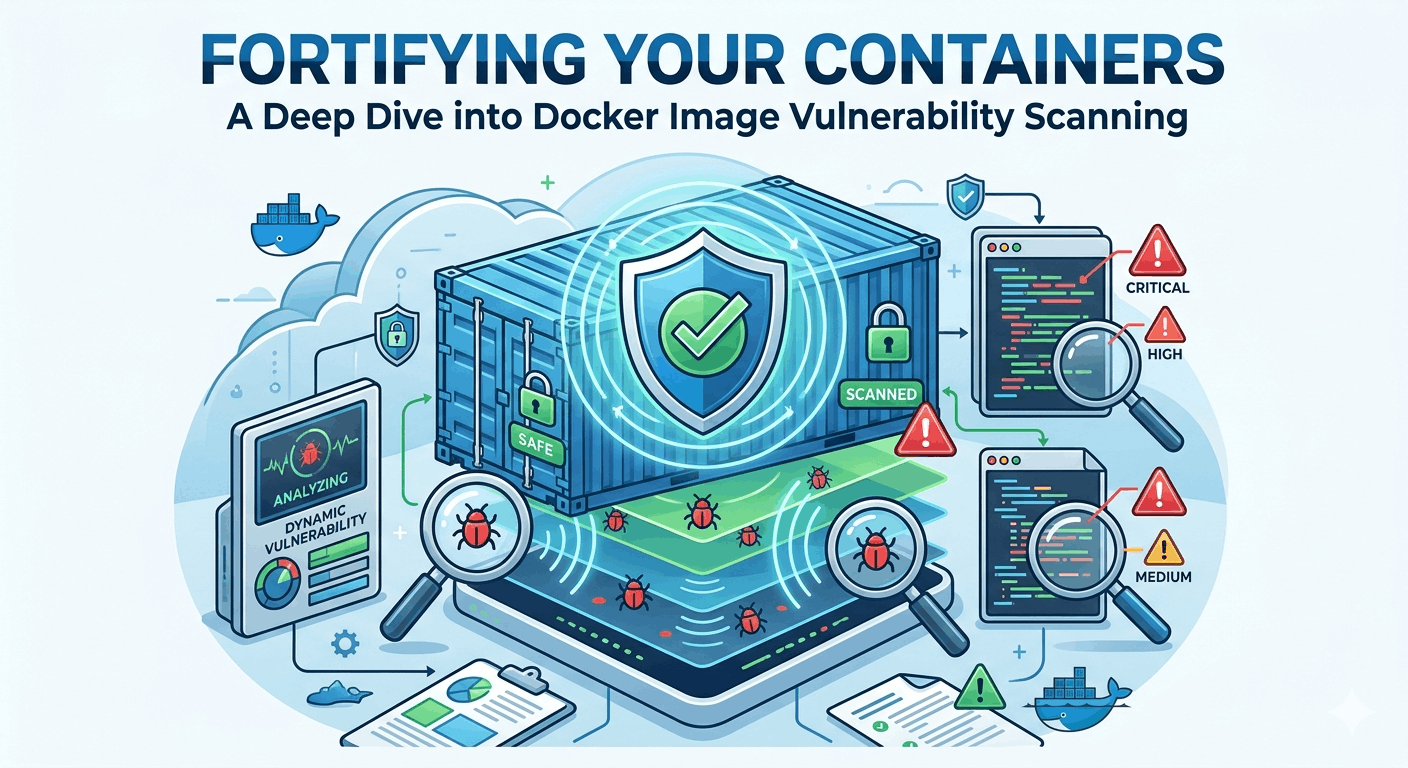
Fortifying Your Containers: A Deep Dive into Docker Image Vulnerability Scanning

Introduction
Containers have revolutionized software development and deployment, offering unparalleled agility, portability, and scalability. Docker, in particular, has become the de facto standard for containerization, empowering developers to package applications and their dependencies into lightweight, isolated units. However, this convenience and speed can inadvertently introduce significant security risks if not managed proactively.
Docker images, often built upon layers of base images and numerous third-party dependencies, can harbor a multitude of vulnerabilities. These can range from outdated operating system packages with known CVEs (Common Vulnerabilities and Exposures) to insecure application libraries or even accidental exposure of sensitive information. A single unpatched vulnerability in a base image or a critical dependency can become a gateway for attackers, compromising your applications and infrastructure.
This is where Docker image vulnerability scanning becomes an indispensable component of a robust DevSecOps strategy. By integrating scanning early and often into your development lifecycle, you can identify and mitigate these risks before they ever reach production. This comprehensive guide will walk you through the "how" and "why" of container image scanning, exploring popular tools, best practices, and real-world implementation strategies to help you build a secure container pipeline.
Prerequisites
To get the most out of this guide, a basic understanding of the following concepts is recommended:
- Docker: Familiarity with building, pulling, and running Docker images.
- Command Line Interface (CLI): Basic comfort with executing commands in a terminal.
- CI/CD Concepts: An awareness of Continuous Integration/Continuous Deployment pipelines will be helpful for understanding integration examples.
1. The Imperative of Container Security
Why is container security, and specifically image scanning, so critical in today's landscape? The reasons are multifaceted and impact every aspect of an organization's security posture:
- Expanded Attack Surface: Every layer in a Docker image, every installed package, and every application dependency adds to the potential attack surface. Without proper scrutiny, this surface can quickly become unmanageable.
- Supply Chain Attacks: Modern applications rely heavily on open-source libraries and public base images. Attackers increasingly target this software supply chain, injecting malicious code or exploiting known vulnerabilities in widely used components. Scanning helps detect these compromised dependencies.
- Compliance and Regulations: Industries are subject to stringent compliance standards (e.g., GDPR, HIPAA, PCI DSS). Failing to secure containerized environments can lead to hefty fines, reputational damage, and legal repercussions.
- Immutable Infrastructure Paradox: While containers promote immutability (meaning they shouldn't be changed after deployment), the underlying images can still be vulnerable. Scanning ensures that the immutable artifact you're deploying is secure from the start.
- Shift-Left Security: Identifying vulnerabilities early in the development lifecycle (shifting security "left") is significantly more cost-effective and less disruptive than finding them in production. Image scanning embodies this principle.
2. Understanding Docker Image Vulnerabilities
To effectively secure your images, you must first understand the types of vulnerabilities they can contain:
- Operating System (OS) Package Vulnerabilities: The most common type. Base images (e.g., Ubuntu, Debian, CentOS) contain numerous pre-installed packages. If these packages are outdated or have known CVEs, they introduce risks. Tools like
apt,yum, orapkmanage these packages. - Application Dependency Vulnerabilities: Your application itself relies on libraries and frameworks (e.g., npm packages for Node.js, Maven/Gradle dependencies for Java, pip packages for Python). These can also have known vulnerabilities, often tracked in language-specific security advisories.
- Misconfigurations and Weaknesses: Dockerfiles themselves can introduce vulnerabilities through insecure configurations, such as running containers as
root, exposing unnecessary ports, or including sensitive information. - Secrets Exposure: Accidental inclusion of API keys, passwords, or other credentials directly within the image layers is a critical security flaw. Attackers can extract these secrets if they gain access to the image.
Docker images are built in layers. Each RUN, COPY, or ADD command in your Dockerfile creates a new layer. Vulnerabilities introduced in an early layer (e.g., a vulnerable base image) persist through all subsequent layers. This layered approach is efficient but requires careful attention to the security of each component.
3. The Role of Image Scanning in DevSecOps
DevSecOps integrates security practices into every stage of the software development lifecycle. Image scanning plays a pivotal role here:
- Early Detection: Scans can be triggered as soon as a
Dockerfileis committed or an image is built, identifying issues before they propagate. - Automated Gates: Scanning tools can be configured to fail builds if critical vulnerabilities are detected, preventing insecure images from moving further down the pipeline.
- Continuous Monitoring: Even images in production can become vulnerable as new CVEs are discovered. Regular rescanning of deployed images ensures ongoing security.
- Developer Empowerment: By providing immediate feedback, developers can fix issues proactively, fostering a culture of security responsibility.
4. Popular Docker Image Scanners: An Overview
Several excellent tools are available for Docker image vulnerability scanning, ranging from open-source options to commercial enterprise solutions. Here's a look at some of the most prominent:
Trivy
- Overview: An open-source, comprehensive, and easy-to-use scanner from Aqua Security. It detects vulnerabilities in OS packages (Alpine, RHEL, CentOS, Debian, Ubuntu, etc.) and application dependencies (Bundler, Composer, npm, Yarn, pip, etc.). It also scans IaC files, misconfigurations, and secrets.
- Strengths: Fast, low false positives, supports multiple formats, integrates well into CI/CD.
Clair
- Overview: Developed by CoreOS (now Red Hat), Clair is an open-source project that performs static analysis of container images. It indexes image contents and stores vulnerability metadata in a database, allowing users to query for known vulnerabilities.
- Strengths: Robust, API-driven, good for large-scale deployments, supports custom vulnerability sources.
- Considerations: Requires a separate database (PostgreSQL) and a dedicated server, making it heavier to set up than Trivy.
Anchore Engine
- Overview: An open-source policy-driven container security and compliance platform. It provides detailed image analysis, vulnerability scanning, and policy enforcement based on user-defined rules.
- Strengths: Highly configurable policies, rich metadata, good for compliance and strict security requirements.
- Considerations: More complex to set up and manage than Trivy due to its comprehensive feature set.
Docker Scout / Docker Hub Vulnerability Scanning
- Overview: Docker offers built-in vulnerability scanning for images pushed to Docker Hub, powered by Snyk. Docker Scout provides a more advanced platform for software supply chain management, including vulnerability insights and policy enforcement.
- Strengths: Native integration with Docker ecosystem, convenient for Docker Hub users.
Commercial Solutions
- Snyk: A leading developer-first security platform that integrates deeply into the development workflow for code, dependencies, containers, and infrastructure as code.
- Aqua Security: Offers a comprehensive cloud-native security platform, including advanced image scanning, runtime protection, and compliance.
- Palo Alto Networks Prisma Cloud: Provides extensive cloud security capabilities, including container image scanning across various registries and CI/CD pipelines.
For the practical examples, we will focus on Trivy due to its ease of use and widespread adoption.
5. Deep Dive: Scanning with Trivy (Practical Example)
Trivy is an excellent choice for getting started with image scanning. Let's walk through its installation and basic usage.
Installation
You can install Trivy on various platforms. For Debian/Ubuntu-based systems, it's straightforward:
# Install necessary packages
sudo apt-get update && sudo apt-get install -y wget apt-transport-https gnupg2

# Add Trivy GPG key
wget -qO - https://aquasecurity.github.io/trivy-repo/deb/public.key | sudo apt-key add -

# Add Trivy repository
echo "deb https://aquasecurity.github.io/trivy-repo/deb/ stable main" | sudo tee /etc/apt/sources.list.d/trivy.list

# Install Trivy
sudo apt-get update && sudo apt-get install -y trivy
For other installation methods (RPM, Homebrew, Docker, etc.), refer to the official Trivy documentation.
Basic Scan of a Local Docker Image
First, let's pull a vulnerable image for demonstration purposes. We'll use vulfocus/vcwebapp which is known to have issues.
docker pull vulfocus/vcwebappNow, scan it with Trivy:
trivy image vulfocus/vcwebappYou will see a detailed output listing vulnerabilities by severity, package name, installed version, fixed version, and CVE ID. The output will be extensive, highlighting numerous issues within the image.
Scanning a Remote Image (without pulling locally)
Trivy can directly scan images from remote registries:
trivy image ubuntu:20.04This command will pull the ubuntu:20.04 image metadata and scan it against Trivy's vulnerability database, showing you all known vulnerabilities in the base OS packages.
Filtering Results and Output Formats
Trivy offers powerful options to filter and format results. For instance, to only show critical and high vulnerabilities:
trivy image --severity CRITICAL,HIGH ubuntu:20.04To output results in JSON format, which is excellent for CI/CD integration:
trivy image --format json --output results.json ubuntu:20.04This will save a JSON file (results.json) containing all the vulnerability data, which can then be parsed by other tools or CI/CD pipelines.
Scanning a Filesystem or Git Repository
Trivy isn't limited to Docker images. It can also scan local filesystems or even Git repositories for vulnerabilities in application dependencies, configuration files, and secrets.
# Scan a local directory (e.g., your application's source code)
trivy fs .

# Scan a Git repository (clone it first or use Trivy's git flag)
trivy repo https://github.com/aquasecurity/trivy-ci-test
These commands are invaluable for finding issues in your application's dependencies and configuration before they are even built into an image.
6. Integrating Scanning into Your CI/CD Pipeline
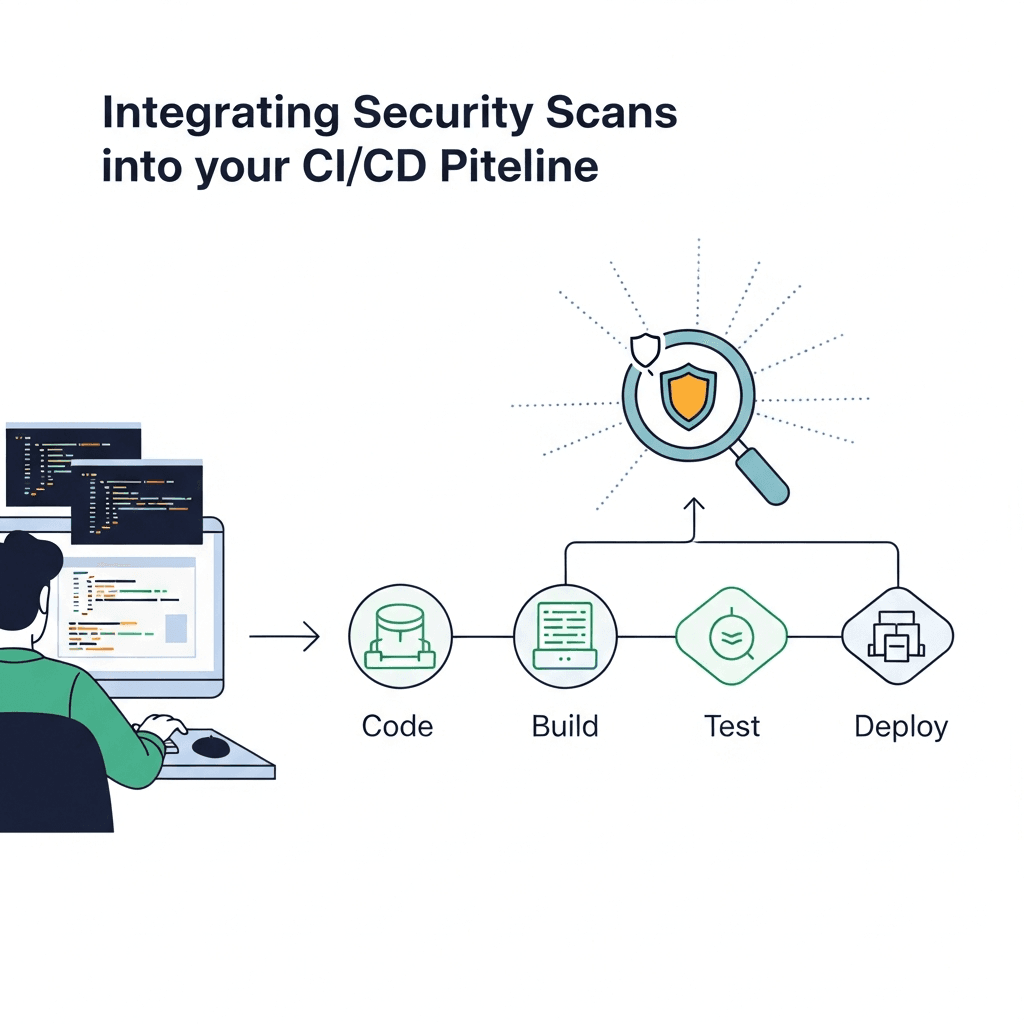
Integrating image scanning into your CI/CD pipeline is where its true power lies. The goal is to fail the build if a certain threshold of vulnerabilities is met, preventing insecure images from being deployed.
Let's consider a simple Dockerfile and then integrate Trivy into a GitHub Actions workflow.
Example Dockerfile:
# Dockerfile
FROM python:3.9-slim-buster

WORKDIR /app

COPY requirements.txt .
RUN pip install --no-cache-dir -r requirements.txt

COPY . .

CMD ["python", "app.py"]
Example requirements.txt (potentially vulnerable):
flask==1.1.2
requests==2.25.1
GitHub Actions Workflow Example
This workflow builds the Docker image and then scans it using Trivy. It will fail the build if any CRITICAL or HIGH severity vulnerabilities are found.
# .github/workflows/docker-scan.yml
name: Docker Image Security Scan

on:
  push:
    branches:
      - main
  pull_request:
    branches:
      - main

jobs:
  build-and-scan:
    runs-on: ubuntu-latest

    steps:
    - name: Checkout code
      uses: actions/checkout@v4

    - name: Build Docker image
      id: docker_build
      uses: docker/build-push-action@v5
      with:
        context: .
        push: false # Don't push to registry yet
        tags: my-app:latest
        load: true # Load image for local scanning

    - name: Run Trivy vulnerability scan
      uses: aquasecurity/trivy-action@master
      with:
        image-ref: 'my-app:latest'
        format: 'table'
        exit-code: '1' # Fail if vulnerabilities are found
        severity: 'CRITICAL,HIGH'
        # Optional: uncomment to ignore specific CVEs
        # ignore-vulnerabilities: 'CVE-2021-1234,CVE-2022-5678'
        # Optional: cache-dir: '/tmp/trivycache'
        # Optional: scan-type: 'fs,config,secret'

    - name: Upload Trivy scan results to GitHub Security tab (SARIF)
      uses: github/codeql-action/upload-sarif@v3
      if: always()
      with:
        sarif_file: trivy-results.sarif

    - name: Log in to Docker Hub (if pushing later)
      if: success() && github.event_name == 'push'
      uses: docker/login-action@v3
      with:
        username: ${{ secrets.DOCKER_USERNAME }}
        password: ${{ secrets.DOCKER_TOKEN }}

    - name: Push Docker image (if scan passed and on main branch)
      if: success() && github.event_name == 'push'
      uses: docker/build-push-action@v5
      with:
        context: .
        push: true
        tags: yourusername/my-app:latest
This workflow demonstrates a "fail-fast" strategy. If Trivy detects any critical or high vulnerabilities, the exit-code: '1' will cause the GitHub Action to fail, preventing the image from being pushed or deployed. The results can also be uploaded to GitHub's Security tab for better visibility.
7. Advanced Scanning Techniques and Policies
Moving beyond basic scanning, advanced techniques and policy enforcement enhance your security posture.
Defining Severity Thresholds
Not all vulnerabilities are equally critical. You can configure scanners to focus on specific severity levels (e.g., CRITICAL, HIGH, MEDIUM, LOW, UNKNOWN). For production environments, it's common to block deployments for CRITICAL and HIGH vulnerabilities.
Ignoring Specific Vulnerabilities (with caution)
Sometimes, a vulnerability might be deemed acceptable due to compensating controls, or it might be a false positive. Most scanners allow you to ignore specific CVEs. However, this should be done with extreme caution, documented thoroughly, and regularly reviewed.
trivy image --ignore-vulnerabilities CVE-2023-1234,CVE-2023-5678 my-app:latestCustom Policies and Rules
Tools like Anchore Engine excel at policy enforcement. You can define granular rules based on:
- CVE counts: e.g., "no more than 5 HIGH vulnerabilities."
- Package versions: e.g., "Python must be >= 3.9.7."
- License compliance: e.g., "forbid GPL licensed packages."
- Configuration checks: e.g., "container must not run as root."
These policies act as gates, ensuring images adhere to your organization's security and compliance standards.
Scanning Base Images Regularly
Your base image (e.g., ubuntu:20.04, node:16-alpine) is the foundation of your container. It's crucial to scan these base images independently and regularly. Even if your application code is perfect, a vulnerable base image exposes you to risk. Automate the pulling and scanning of base images to ensure they are patched and up-to-date.
Software Bill of Materials (SBOM) Generation
Modern security practices advocate for generating an SBOM for every container image. An SBOM is a complete, formal list of all components and dependencies in a software product. Tools like Trivy can generate SBOMs in formats like SPDX or CycloneDX:
trivy image --format spdx-json --output my-app-sbom.json my-app:latestThis SBOM provides transparency and is invaluable for quickly assessing exposure when new vulnerabilities are disclosed, even for images already deployed.
8. Best Practices for Secure Docker Images
Image scanning is a critical defense, but it's most effective when combined with secure image building practices:
- Use Minimal Base Images: Opt for smaller, purpose-built base images like
alpine,slim, ordistroless. These images contain fewer packages, reducing the attack surface and the number of potential vulnerabilities.dockerfile# Good: Smaller base image FROM python:3.9-alpine - Multi-stage Builds: Leverage multi-stage builds to separate build-time dependencies from runtime dependencies. Only copy the essential artifacts to the final image, significantly reducing its size and attack surface.
dockerfile
# Multi-stage build example FROM golang:1.18-alpine AS builder WORKDIR /app COPY . . RUN go build -o myapp . FROM alpine:latest WORKDIR /app COPY --from=builder /app/myapp . CMD ["./myapp"] - Run Containers as Non-Root Users: Never run your container processes as the
rootuser. Create a dedicated non-root user and switch to it in yourDockerfile. This adheres to the principle of least privilege.dockerfileFROM alpine:latest RUN addgroup -S appgroup && adduser -S appuser -G appgroup USER appuser WORKDIR /app COPY . . CMD ["./my_app"] - Regularly Update Base Images and Dependencies: Keep your base images and application dependencies up-to-date. Automate this process to pull the latest patched versions. Stale images are a primary source of vulnerabilities.
- Scan Early, Scan Often: Integrate scanning into every stage of your development pipeline – on commit, before merging pull requests, before pushing to a registry, and even periodically for images already in production.
- Don't Ship Build Tools or Unnecessary Packages: Remove compilers, build tools, SSH servers, and other utilities not required at runtime from your final image. Multi-stage builds help achieve this naturally.
- No Secrets in Images: Never embed API keys, database credentials, or other sensitive information directly into your Docker images. Use secrets management solutions like Kubernetes Secrets, AWS Secrets Manager, HashiCorp Vault, or environment variables mounted at runtime.
- Use
.dockerignore: Similar to.gitignore, use.dockerignoreto exclude sensitive files, build artifacts, and unnecessary directories from being copied into your image.
9. Common Pitfalls and How to Avoid Them
Even with the best tools, missteps can undermine your container security efforts:
- Ignoring Scan Results (Alert Fatigue): Over time, teams can become desensitized to a constant stream of vulnerability alerts, leading to critical issues being overlooked. Solution: Configure severity thresholds carefully, prioritize critical fixes, and integrate results directly into developer workflows (e.g., ticketing systems).
- Scanning Only Before Deployment: While better than nothing, scanning only at the end of the pipeline means vulnerabilities are discovered late, making them more costly and time-consuming to fix. Solution: Implement shift-left security; scan at every stage, from code commit to image build.
- Not Scanning Base Images: Assuming your base image is secure because it's from a reputable source is a dangerous assumption. Solution: Treat base images like any other dependency; scan them regularly and ensure they are patched.
- Over-reliance on Scanning: Image scanning is a powerful tool, but it's just one layer of defense. It doesn't protect against runtime exploits, misconfigurations not detectable by static analysis, or zero-day vulnerabilities. Solution: Combine scanning with other security measures like runtime protection, network segmentation, robust access control, and regular security audits.
- Using Outdated Scanners or Databases: Vulnerability databases are constantly updated. If your scanner's database is old, it will miss newly discovered CVEs. Solution: Ensure your scanning tools are regularly updated and configured to fetch the latest vulnerability definitions.
- Lack of Remediation Strategy: Identifying vulnerabilities is only half the battle. Without a clear plan for who is responsible for fixing issues and how quickly, your efforts are in vain. Solution: Establish clear SLAs for vulnerability remediation, assign ownership, and integrate fixes into your regular development sprints.
10. Automating Remediation and Continuous Monitoring
Effective container security extends beyond initial scanning to include automated remediation and continuous monitoring.
Automated Patch Management
When a new vulnerability is disclosed in a base image or dependency, ideally, your system should react automatically:
- Alerting: Receive notifications (Slack, email, PagerDuty) about new critical vulnerabilities.
- Automated Rebuilds: Configure your CI/CD pipeline to automatically rebuild images when their base images or key dependencies are updated. This ensures you're always pulling the latest patched versions.
- Dependency Bot Integration: Tools like Dependabot (for GitHub) or Renovate can automatically create pull requests to update vulnerable application dependencies.
Continuous Monitoring of Deployed Images
Even after an image is deployed, new vulnerabilities can be discovered. Continuous monitoring involves:
- Periodic Rescans: Schedule regular scans of all images in your registry, even those in production. This helps catch vulnerabilities that were unknown at the time of deployment.
- Runtime Security: While this guide focuses on image scanning, it's worth noting that runtime security tools (e.g., Falco, Aqua Security, Sysdig Secure) monitor container behavior for suspicious activities and deviations from expected patterns, providing an additional layer of defense.
- Alerting and Reporting: Integrate scan results into a centralized security dashboard or SIEM (Security Information and Event Management) system for better visibility and faster incident response.
Conclusion
Container security is not an optional extra; it's a fundamental requirement for modern software delivery. Docker image vulnerability scanning is a cornerstone of this security posture, enabling organizations to identify and mitigate risks early, efficiently, and continuously. By embracing tools like Trivy, integrating them into your CI/CD pipelines, and adhering to best practices for secure image building, you can significantly fortify your containerized applications against the ever-evolving threat landscape.
The journey to robust container security is ongoing. As new technologies emerge and threats evolve, so too must our defenses. Start by implementing comprehensive image scanning today, and continuously iterate on your security practices to ensure your containers remain a source of innovation, not vulnerability.
Written by
CodewithYohaFull-Stack Software Engineer with 7+ years of experience in Java, Spring Boot, and cloud architecture across AWS, Azure, and GCP. Writing production-grade engineering patterns for developers who ship real software.