Introduction
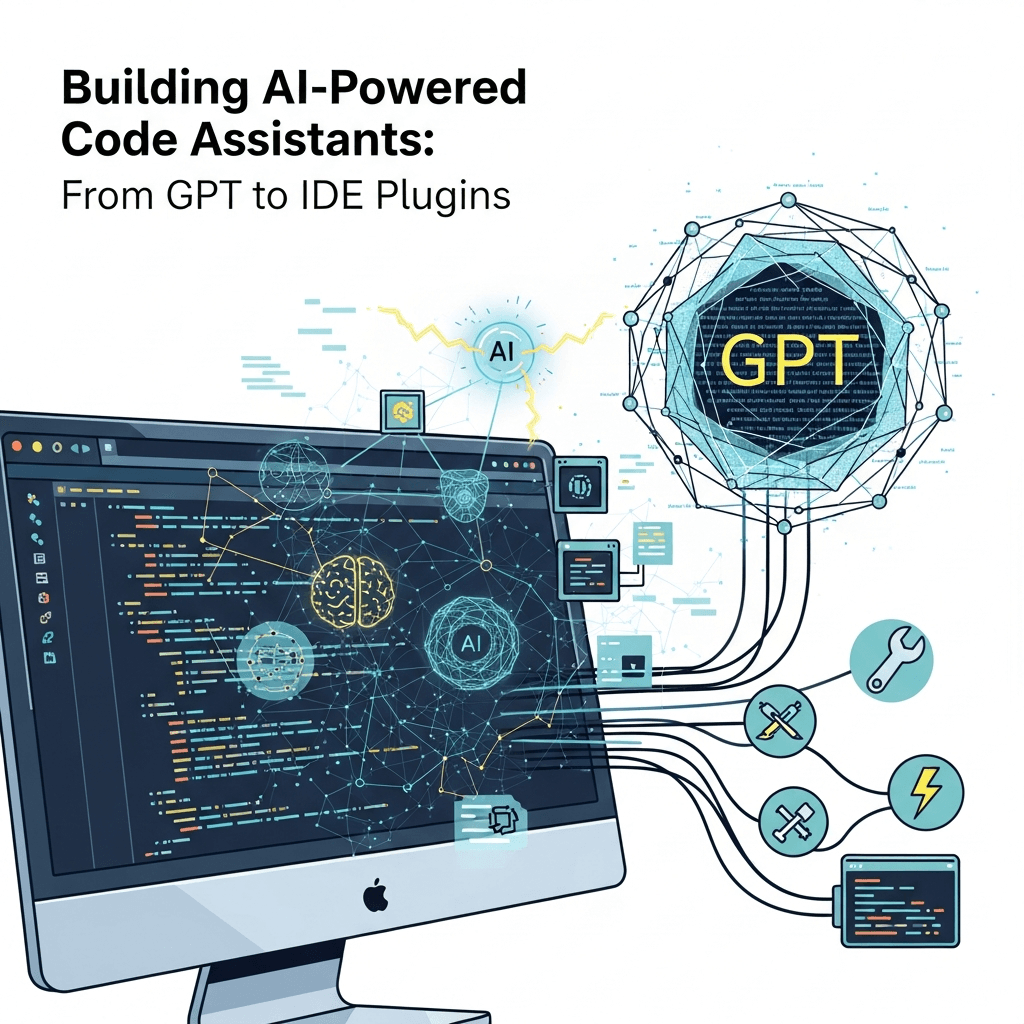
The rise of AI in software development has paved the way for innovative tools that enhance coding efficiency and accuracy. AI-powered code assistants represent a significant leap forward, offering developers smart suggestions and real-time error detection. This blog post delves into the process of building such assistants, focusing on leveraging GPT models and integrating them into IDE plugins.
Understanding GPT Models
Generative Pre-trained Transformer (GPT) models have revolutionized natural language processing with their ability to understand and generate human-like text. Developed by OpenAI, these models can be fine-tuned to assist in various coding tasks, from suggesting code snippets to predicting potential errors.
Training GPT Models for Coding
Training GPT models specifically for coding involves using datasets of code repositories and documentation. The process includes:
- Data Collection: Gather diverse code samples and associated comments from open-source repositories.
- Preprocessing: Clean and tokenize code data to feed into the model, ensuring that it understands syntax and semantics.
- Fine-Tuning: Adjust the model's weights to focus on code-related tasks, enhancing its ability to predict and suggest relevant code.
Designing the User Experience
Creating an effective code assistant is not just about the backend AI but also about how developers interact with it. Key considerations include:
- Non-Intrusive Suggestions: Ensure the AI provides suggestions without disrupting the developer's workflow.
- Context Awareness: The assistant should understand the context of the code to offer relevant suggestions and corrections.
- Customization Options: Allow developers to set preferences for the types of suggestions they receive.
Building IDE Plugins
Integrating AI capabilities into IDEs involves creating plugins that act as a bridge between the GPT model and the development environment. This includes:
- Plugin Architecture: Design a modular plugin that can easily interface with different IDEs like Visual Studio Code, IntelliJ IDEA, etc.
- API Integration: Utilize APIs to connect the GPT model with the plugin, ensuring seamless communication and data exchange.
- Real-Time Processing: Implement mechanisms for the plugin to process code in real-time, delivering instant feedback to the developer.
Ensuring Security and Privacy
When dealing with AI-powered tools that process code, security and privacy are paramount. Considerations include:
- Data Anonymization: Strip any identifiable information from code snippets before processing.
- Local Processing Options: Offer the ability to run the AI model locally to avoid sending code over the internet.
- Secure Communication: Implement encryption for any data transmitted between the IDE plugin and the AI model.
Testing and Feedback Loops
Testing AI-powered code assistants requires both technical and user-centric approaches. Steps include:
- Unit and Integration Testing: Ensure each component of the plugin and AI model works as expected individually and together.
- User Testing: Gather feedback from developers to refine the user experience and improve suggestion accuracy.
- Continuous Improvement: Use feedback loops to continuously train and enhance the model, adapting to new programming languages and paradigms.
Conclusion
Building AI-powered code assistants is a complex yet rewarding endeavor that combines advanced AI technologies with practical software development needs. By leveraging GPT models and integrating them into IDE plugins, developers can significantly enhance their productivity and code quality. As these tools continue to evolve, they promise to transform the landscape of software development, making coding faster, easier, and more intuitive.

Written by
CodewithYohaFull-Stack Software Engineer with 7+ years of experience in Java, Spring Boot, and cloud architecture across AWS, Azure, and GCP. Writing production-grade engineering patterns for developers who ship real software.