
Introduction
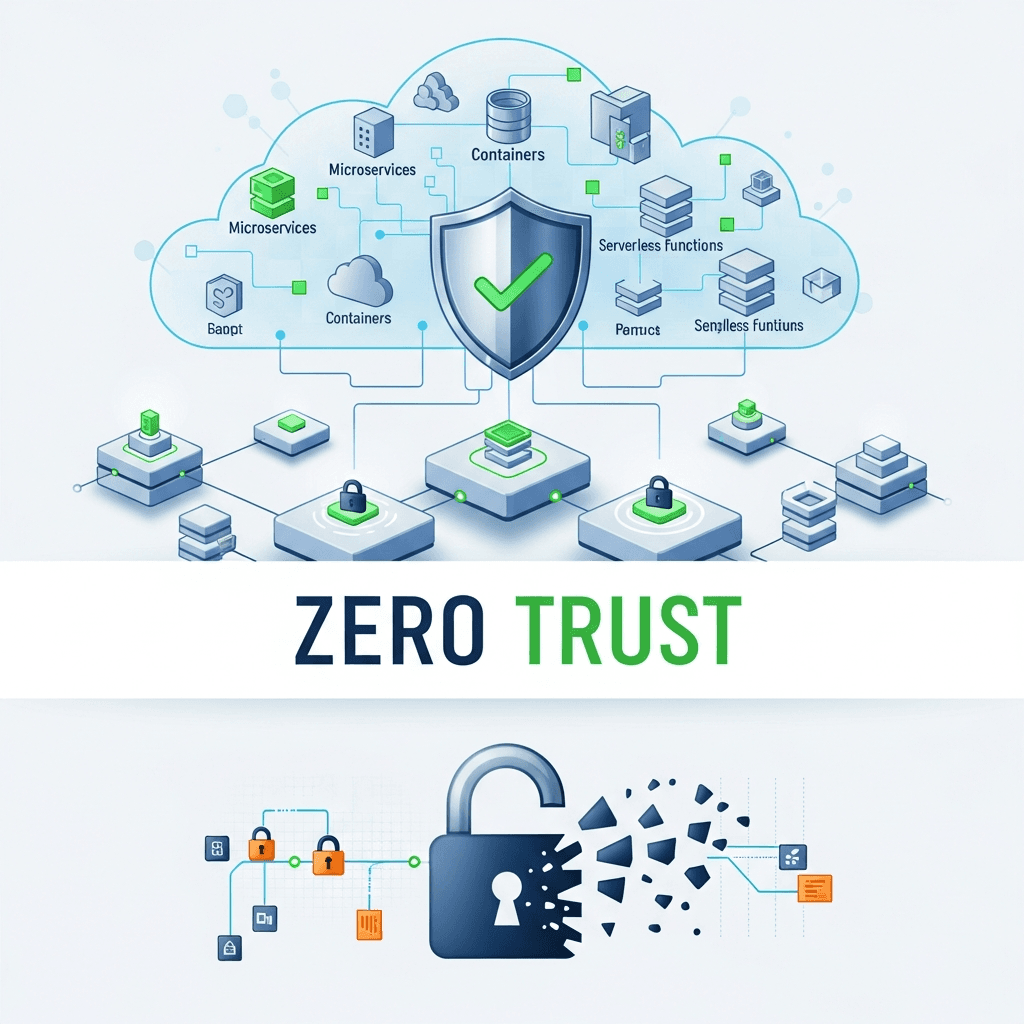
The landscape of modern applications has shifted dramatically towards cloud-native architectures, leveraging microservices, containers, and serverless functions. While these innovations offer unparalleled agility, scalability, and resilience, they also introduce a complex, distributed attack surface that traditional perimeter-based security models struggle to protect.
Enter Zero Trust: a security framework built on the principle of "never trust, always verify." Unlike legacy models that assume everything inside the network is safe, Zero Trust mandates strict identity verification for every user, device, application, and workload attempting to access resources, regardless of their location. For cloud-native environments, where the concept of a clear perimeter is blurred or non-existent, Zero Trust isn't just a best practice—it's an imperative.
This guide will walk you through the essential components and practical steps for implementing a robust Zero Trust model within your cloud-native infrastructure, focusing on Kubernetes, microservices, and modern security practices.
Prerequisites
To get the most out of this guide, a basic understanding of the following concepts is recommended:
- Cloud-Native Architectures: Microservices, containers (Docker), orchestration (Kubernetes).
- Networking Fundamentals: IP addresses, ports, firewalls, TLS.
- Identity and Access Management (IAM): Users, roles, permissions.
- Basic Security Concepts: Encryption, authentication, authorization.
Core Principles of Zero Trust in Cloud Native Environments
Implementing Zero Trust in a cloud-native context requires a fundamental shift in mindset. Here are the core principles:
Never Trust, Always Verify
Every request, whether from a user, an application, or a service, must be authenticated and authorized. This includes traffic both external and internal to your cluster. No component is inherently trusted by virtue of its location or previous authentication.
Least Privilege Access
Grant only the minimum necessary permissions for a workload or user to perform its function. These permissions should be dynamically evaluated and enforced based on context and risk.
Assume Breach
Design your security controls with the assumption that a breach is inevitable. This means focusing on containment, rapid detection, and minimizing the blast radius of any compromise.
Micro-segmentation
Break down your network into small, isolated segments, and define granular access policies between them. This prevents lateral movement of attackers within your environment.
Continuous Verification
Security posture is not static. Continuously monitor and analyze user and workload behavior, device health, and environmental factors to detect anomalies and adapt access policies in real-time.
The Evolving Threat Landscape for Cloud Native Architectures
Cloud-native environments present unique security challenges:
- Ephemeral Nature: Containers and pods are constantly created, destroyed, and scaled, making traditional IP-based security challenging.
- Distributed Systems: Microservices communicate over networks, creating numerous potential attack vectors through APIs and internal calls.
- API-Driven: Everything is an API, from infrastructure provisioning to service interaction, demanding robust API security.
- Supply Chain Risks: Dependencies on open-source libraries, container images, and third-party tools introduce vulnerabilities.
- Configuration Drift: Manual configurations can lead to security gaps; automation and GitOps are crucial.
Zero Trust directly addresses these challenges by focusing on identity, context, and continuous verification at every layer.
Establishing Strong Identity-Centric Controls (IAM)
Identity is the cornerstone of Zero Trust. In cloud-native, this extends beyond human users to include workloads, devices, and services. Robust IAM ensures that every entity is uniquely identified, authenticated, and authorized.
Workload Identities
In Kubernetes, Service Accounts provide an identity for processes running in a pod. These can be integrated with cloud IAM (e.g., AWS IAM Roles for Service Accounts, Google Cloud Workload Identity) to grant fine-grained permissions to cloud resources.
User Identities
Integrate your Kubernetes clusters with centralized Identity Providers (IdPs) like Okta, Auth0, or corporate AD/LDAP via OIDC for human users. Enforce Multi-Factor Authentication (MFA) rigorously.
Policy Enforcement (RBAC/ABAC)
Kubernetes Role-Based Access Control (RBAC) is essential for defining what users and workloads can do within the cluster. Complement RBAC with Attribute-Based Access Control (ABAC) where feasible for more dynamic, context-aware policies.
Code Example: Kubernetes Service Account with RBAC
This example creates a Service Account and a Role that allows reading pods in the default namespace, then binds the Service Account to that Role.
# service-account.yaml
apiVersion: v1
kind: ServiceAccount
metadata:
  name: pod-reader-sa
  namespace: default
---
# role.yaml
apiVersion: rbac.authorization.k8s.io/v1
kind: Role
metadata:
  name: pod-reader-role
  namespace: default
rules:
- apiGroups: [""]
  resources: ["pods"]
  verbs: ["get", "watch", "list"]
---
# role-binding.yaml
apiVersion: rbac.authorization.k8s.io/v1
kind: RoleBinding
metadata:
  name: pod-reader-rb
  namespace: default
subjects:
- kind: ServiceAccount
  name: pod-reader-sa
  namespace: default
roleRef:
  kind: Role
  name: pod-reader-role
apiGroup: rbac.authorization.k8s.io- Why: Ensures that only the
pod-reader-sacan perform read operations on pods, adhering to the least privilege principle. - How: Apply these YAML files using
kubectl apply -f ..
Implementing Micro-segmentation with Network Policies and Service Meshes
Micro-segmentation is critical for limiting lateral movement. In cloud-native, this means controlling traffic between individual pods and services.
Kubernetes Network Policies
These are declarative rules that specify how groups of pods are allowed to communicate with each other and with external network endpoints. They operate at Layer 3/4.
Service Mesh for Finer-Grained Control
For more advanced Layer 7 traffic management, mutual TLS (mTLS), and fine-grained authorization policies, a service mesh like Istio or Linkerd is invaluable. A service mesh encrypts all service-to-service communication and enforces identity-based access controls.
Code Example: Kubernetes Network Policy for Micro-segmentation
This policy allows only pods with the label app: frontend to communicate with pods labeled app: backend on port 80.
apiVersion: networking.k8s.io/v1
kind: NetworkPolicy
metadata:
  name: backend-policy
  namespace: default
spec:
  podSelector:
    matchLabels:
      app: backend
  policyTypes:
    - Ingress
    - Egress
  ingress:
    - from:
        - podSelector:
            matchLabels:
              app: frontend
      ports:
        - protocol: TCP
          port: 80
  egress:
    - to:
        - ipBlock:
            cidr: 0.0.0.0/0
            except: # Allow egress only to specific external services if needed
              - 10.0.0.0/8 # Example: block internal network ranges
      ports:
        - protocol: TCP
port: 443 # Allow HTTPS egress- Why: Prevents unauthorized services from accessing the backend, reducing the blast radius in case of a frontend compromise.
- How: Apply with
kubectl apply -f network-policy.yaml. Requires a Network Policy-enabled CNI (e.g., Calico, Cilium).
Securing APIs and Workload-to-Workload Communication
In microservices, APIs are the primary interaction points. Securing them is paramount.
API Gateways
Deploy an API Gateway (e.g., Nginx, Envoy, Kong, Apigee) at the edge of your cluster to handle authentication, authorization, rate limiting, and traffic routing for external requests. The API Gateway acts as a policy enforcement point.
Mutual TLS (mTLS)
For internal service-to-service communication, mTLS is a powerful Zero Trust control. It ensures that both the client and server verify each other's identities using cryptographic certificates before establishing a connection. Service meshes like Istio automate mTLS implementation.
Code Example: Conceptual mTLS Policy (Istio)
This example shows an Istio PeerAuthentication policy enforcing mTLS for all services in the default namespace.
apiVersion: security.istio.io/v1beta1
kind: PeerAuthentication
metadata:
  name: default
  namespace: default
spec:
  mtls:
mode: STRICT- Why: Guarantees that only authenticated and authorized services can communicate internally, preventing spoofing and eavesdropping.
- How: Requires an Istio service mesh to be installed and configured in your cluster.
Comprehensive Data Protection and Secret Management
Sensitive data, whether at rest or in transit, must be protected.
Data at Rest
Encrypt all persistent storage (volumes, databases) using Key Management Services (KMS) provided by your cloud provider (e.g., AWS KMS, GCP KMS, Azure Key Vault). Ensure encryption keys are rotated regularly.
Data in Transit
Enforce TLS 1.2+ for all external and internal communication. As discussed, mTLS with a service mesh provides the strongest protection for internal traffic.
Secret Management
Never hardcode secrets (API keys, database credentials). Use a dedicated secret management solution like HashiCorp Vault, AWS Secrets Manager, GCP Secret Manager, or Azure Key Vault. Integrate these with Kubernetes to securely inject secrets into pods.
Code Example: Referencing a Secret Manager (Conceptual)
Instead of direct Kubernetes Secrets (which are base64 encoded, not truly encrypted at rest by default), integrate with external secret managers. Here's a conceptual way a pod might consume a secret via an external secret operator or sidecar.
apiVersion: apps/v1
kind: Deployment
metadata:
  name: my-app
spec:
  selector:
    matchLabels:
      app: my-app
  template:
    metadata:
      labels:
        app: my-app
    spec:
      serviceAccountName: my-app-sa # Service Account with permissions to access secrets
      containers:
      - name: my-app-container
        image: my-registry/my-app:latest
        env:
          - name: DB_PASSWORD
            valueFrom:
              secretKeyRef:
                # This would typically point to a secret created by a secret manager operator
                # or a sidecar that fetches the secret at runtime.
                name: external-db-credentials
                key: password
        # Or, for more advanced scenarios with Vault/External Secrets Operator:
        # volumeMounts:
        #   - name: secret-volume
        #     mountPath: "/mnt/secrets"
        # volumes:
        #   - name: secret-volume
        #     csi:
        #       driver: secrets-store.csi.k8s.io
        #       readOnly: true
        #       volumeAttributes:
# secretProviderClass: "aws-secrets-provider"- Why: Prevents sensitive information from being exposed in configuration files or code, minimizing the impact of a breach.
- How: Implement a secret management solution and integrate it with Kubernetes via CSI drivers or operators.
Continuous Monitoring, Logging, and Threat Detection
Continuous visibility is vital for detecting and responding to threats in a Zero Trust model. Assume breach means you must constantly look for anomalies.
Centralized Logging
Aggregate logs from all components (pods, nodes, ingress controllers, service mesh) into a centralized logging platform (e.g., ELK stack, Grafana Loki, Splunk, cloud-native solutions like CloudWatch Logs, Stackdriver Logging). Ensure logs are immutable and include rich context.
Threat Detection
Utilize Security Information and Event Management (SIEM) systems and Security Orchestration, Automation, and Response (SOAR) platforms to analyze logs and metrics for suspicious activities. Tools like Falco can provide runtime security by monitoring system calls and Kubernetes API audit events for anomalous behavior.
Audit Trails
Enable comprehensive audit logging for Kubernetes API server, cloud provider actions, and all critical services. This provides an undeniable record of who did what, when, and where.
Integrating Security into the CI/CD Pipeline (DevSecOps)
Shift-left security means integrating security practices throughout the entire software development lifecycle, not just at deployment.
CI/CD Pipeline Security
Automate security checks within your CI/CD pipelines:
- Static Application Security Testing (SAST): Analyze source code for vulnerabilities.
- Dynamic Application Security Testing (DAST): Test running applications for vulnerabilities.
- Software Composition Analysis (SCA): Identify vulnerabilities in open-source dependencies.
- Container Image Scanning: Scan container images for known vulnerabilities (e.g., Trivy, Clair).
Image Signing and Admission Controllers
Sign your container images to ensure their integrity and authenticity. Use Kubernetes Admission Controllers (e.g., OPA Gatekeeper, Kyverno) to enforce policies like only allowing signed images from trusted registries to run in your cluster, or ensuring all deployments have resource limits.
Code Example: OPA Gatekeeper Constraint for Image Registry
This Gatekeeper Constraint ensures that only images from my-trusted-registry.com can be deployed.
apiVersion: templates.gatekeeper.sh/v1beta1
kind: ConstraintTemplate
metadata:
  name: k8sallowedrepos
spec:
  crd:
    spec:
      names:
        kind: K8sAllowedRepos
      validation:
        openAPIV3Schema:
          properties:
            repos:
              type: array
              items:
                type: string
  targets:
    - target: "admission.k8s.gatekeeper.sh"
      rego: |
        package k8sallowedrepos

        violation[{"msg": msg}] {
          input.review.object.kind == "Pod"
          image := input.review.object.spec.containers[_].image
          not startswith(image, input.parameters.repos[_])
          msg := sprintf("image '%v' comes from an untrusted repository. See https://cloud.google.com/container-registry/docs/image-digests", [image])
        }
---
apiVersion: constraints.gatekeeper.sh/v1beta1
kind: K8sAllowedRepos
metadata:
  name: prod-image-repos
spec:
  match:
    kinds:
      - apiGroups: [""]
        kinds: ["Pod"]
  parameters:
    repos:
      - "my-trusted-registry.com/"
- "k8s.gcr.io/"- Why: Prevents the deployment of untrusted or vulnerable container images, securing the software supply chain.
- How: Install Gatekeeper in your cluster, then apply the ConstraintTemplate and Constraint.
Building a Robust Incident Response and Recovery Plan
Despite all preventive measures, breaches can occur. A well-defined incident response plan is crucial for minimizing damage and ensuring business continuity.
Preparation
Define roles and responsibilities, establish communication channels, and create runbooks for common incident types. Practice incident response through tabletop exercises.
Detection & Analysis
Leverage your monitoring and logging tools to rapidly detect security incidents. Analyze logs, metrics, and audit trails to understand the scope and nature of the attack.
Containment, Eradication, Recovery
Isolate compromised components, remove the threat, and restore affected systems from trusted backups. Automation plays a key role here for rapid response.
Post-Incident Activities
Conduct a post-mortem to identify root causes, improve security controls, and update your incident response plan.
Adopting Zero Trust: Best Practices and Iterative Implementation
Implementing Zero Trust is a journey, not a destination. It requires continuous effort and adaptation.
Automate Everything
From infrastructure provisioning (Infrastructure as Code) to security policy enforcement, automation reduces human error and ensures consistency. Embrace GitOps for declarative infrastructure and security policy management.
Regular Audits and Penetration Testing
Periodically audit your security configurations and conduct penetration tests to identify weaknesses and validate your Zero Trust controls.
Embrace Observability
Beyond basic monitoring, strive for deep observability into your applications and infrastructure. Understand normal behavior to quickly identify anomalies.
Iterative Implementation
Start with the most critical applications or services and gradually expand your Zero Trust implementation. Prioritize controls that offer the highest impact with the least disruption.
Common Pitfalls
- Over-Complication: Trying to implement too many controls at once can lead to complexity and operational overhead.
- Lack of Automation: Manual processes are prone to errors and cannot scale in dynamic cloud-native environments.
- Ignoring Legacy Systems: Zero Trust must eventually extend to all assets, including legacy systems that interact with your cloud-native components.
- Poor Identity Management: Weak or inconsistent identity practices will undermine the entire Zero Trust framework.
- Neglecting Human Factor: Security is also about people. Regular training and fostering a security-aware culture are essential.
Conclusion
Securing cloud-native architectures with a Zero Trust model is a strategic imperative in today's threat landscape. By adopting the principles of "never trust, always verify," implementing robust identity controls, micro-segmentation, strong API security, comprehensive data protection, and continuous monitoring, organizations can build resilient and secure cloud-native environments.
While the journey to full Zero Trust implementation can be challenging, the benefits—reduced attack surface, limited lateral movement, faster incident response, and enhanced overall security posture—are invaluable. Start today, iterate, and continuously refine your Zero Trust strategy to protect your most critical assets in the cloud-native era.

Written by
CodewithYohaFull-Stack Software Engineer with 7+ years of experience in Java, Spring Boot, and cloud architecture across AWS, Azure, and GCP. Writing production-grade engineering patterns for developers who ship real software.