Introduction
The landscape of Artificial Intelligence is rapidly evolving, moving beyond simple question-answering systems to sophisticated entities capable of autonomous reasoning, planning, and action. These are Autonomous AI Agents, systems that can perceive their environment, make decisions, execute tasks, and learn from their experiences, often with minimal human intervention.
Traditional interactions with Large Language Models (LLMs) are often stateless and reactive. You ask a question, you get an answer. Autonomous agents, however, introduce a crucial layer of intelligence: the ability to break down complex goals, utilize external tools, maintain a persistent memory, and adapt their behavior over time. This transformative capability unlocks a new era of applications, from personalized assistants to automated researchers and complex task orchestrators.
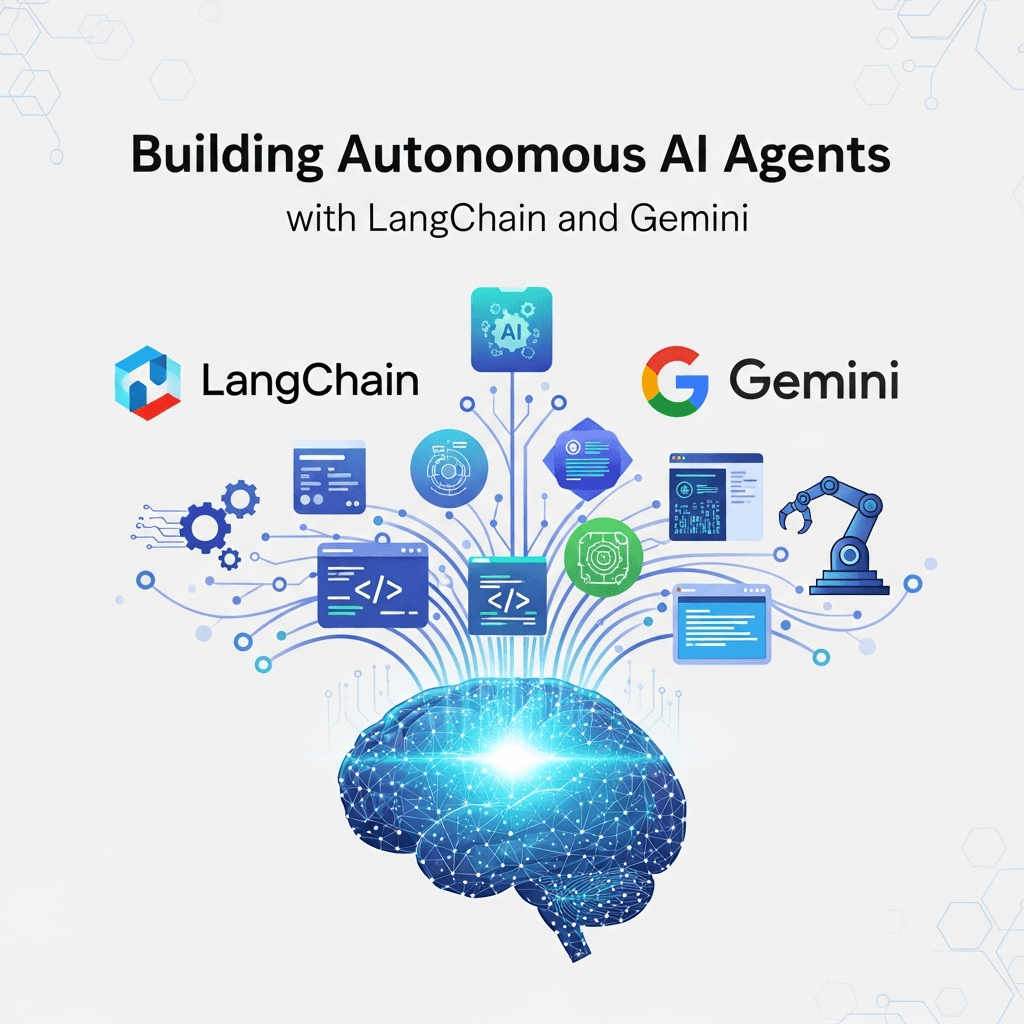
This guide will walk you through the exciting journey of building such autonomous AI agents using two powerful technologies: LangChain, the leading framework for developing LLM-powered applications, and Google's Gemini, a highly capable and versatile family of multimodal LLMs. Together, they provide an unparalleled platform for creating intelligent systems that can truly act on their own.
We will explore the core concepts of agentic design, set up our development environment, integrate Gemini with LangChain, and progressively build more sophisticated agents equipped with tools, memory, and advanced reasoning capabilities. By the end, you'll have a solid understanding and practical skills to develop your own autonomous AI agents for a myriad of real-world use cases.
Prerequisites
To follow along with this guide, you'll need:
- Python 3.9+: Ensure Python is installed on your system.
- pip: Python's package installer.
- Google Cloud Project & Gemini API Key: You'll need to enable the Gemini API (e.g.,
gemini-pro) in a Google Cloud Project and obtain an API key. You can typically get started with a free tier or trial. - Basic understanding of Large Language Models (LLMs): Familiarity with concepts like prompting and token limits will be beneficial.
1. Understanding Autonomous AI Agents
At its heart, an autonomous AI agent is an LLM augmented with mechanisms that allow it to interact with its environment. Think of it as an LLM with 'hands' (tools) and a 'brain' (reasoning loop) that can learn and remember.
Key Components of an Agent:
- LLM (The Brain): The core reasoning engine. It interprets prompts, generates thoughts, plans actions, and processes observations. Gemini will serve this role.
- Tools (The Hands): Functions or APIs that the agent can invoke to interact with the external world. This could be a calculator, a web search engine, a database query tool, or a custom API to control specific software.
- Memory (The Experience): The agent's ability to retain information from past interactions and observations. This can be short-term (contextual history) or long-term (knowledge base).
- Planning/Reasoning Loop (The Strategy): The iterative process where the agent observes, thinks, decides which tool to use (if any), executes the tool, and observes the result, continuously working towards a goal.
- Prompt (The Directive): The initial instruction or goal given to the agent, often including constraints and guidelines for its behavior.
Agentic Workflow vs. Simple Prompt Engineering
Unlike simple prompt engineering where an LLM generates a single response, an agent follows an iterative Observe-Think-Act loop. This enables it to:
- Break down complex problems: Decompose a large goal into smaller, manageable sub-tasks.
- Overcome LLM limitations: Use tools for factual retrieval, complex calculations, or interacting with dynamic data that an LLM alone cannot handle.
- Maintain state: Remember past interactions and adapt its strategy based on previous outcomes.
- Self-correct: Analyze errors or unexpected results and adjust its plan.
2. Introducing LangChain for Agent Development
LangChain is an open-source framework designed to simplify the creation of applications powered by LLMs. It provides a structured way to combine LLMs with other components, making it ideal for building complex agentic systems. LangChain abstracts away much of the boilerplate, allowing developers to focus on the agent's logic and capabilities.
Key Abstractions in LangChain:
- LLMs: Integrations with various language models (like Gemini).
- Chains: Sequences of calls to LLMs or other utilities.
- Agents: Systems that use an LLM to decide a sequence of actions.
- Tools: Functions that agents can call.
- Memory: Mechanisms for persisting state between agent calls.
- Retrievers: Components that fetch relevant documents from a knowledge base.
LangChain's modular design means you can swap out components (e.g., use a different LLM, a different memory type) without significantly altering your agent's core logic.
3. Integrating Google Gemini with LangChain
Google's Gemini models offer powerful multi-modal capabilities and excellent performance, making them a superb choice for the 'brain' of our autonomous agents. LangChain provides seamless integration.
First, install the necessary libraries:
pip install langchain-google-genai google-generativeai python-dotenvNext, set up your API key. It's best practice to store sensitive information like API keys in a .env file and load them using python-dotenv.
Create a .env file in your project root:
GOOGLE_API_KEY="YOUR_GEMINI_API_KEY"Now, let's initialize the Gemini LLM in LangChain:
import os
from dotenv import load_dotenv
from langchain_google_genai import ChatGoogleGenerativeAI
from langchain_core.messages import HumanMessage, SystemMessage

# Load environment variables from .env file
load_dotenv()

# Initialize the Gemini LLM
# You can specify the model, e.g., "gemini-pro" for text or "gemini-pro-vision" for multimodal
llm = ChatGoogleGenerativeAI(model="gemini-pro", temperature=0.7)

# Basic LLM call example
response = llm.invoke("What is the capital of France?")
print(response.content)

# Chat-based interaction
chat_response = llm.invoke([
    SystemMessage(content="You are a helpful AI assistant."),
    HumanMessage(content="Tell me a fun fact about pandas.")
])
print(chat_response.content)
This code snippet demonstrates how to instantiate ChatGoogleGenerativeAI and make basic calls, both for single prompts and chat-like message lists, which are crucial for agents with conversational memory.
4. The Core Components of a LangChain Agent
Let's break down the essential building blocks that come together to form a LangChain agent.
LLM (The Brain)
As established, Gemini will be our agent's brain. It's responsible for:
- Understanding the Goal: Interpreting the user's request.
- Reasoning: Figuring out what steps are needed to achieve the goal.
- Tool Selection: Deciding which tool (if any) is appropriate for the current step.
- Input Generation: Crafting the correct input for the chosen tool.
- Response Synthesis: Formulating a coherent final answer based on observations.
Tools (The Hands)
Tools are functions that an agent can call. LangChain provides a Tool class and many pre-built tools, but you can also easily create custom ones. Each tool needs:
name: A unique identifier (e.g.,calculator,web_search).description: A detailed explanation of what the tool does and its input format. This is critical for the LLM to understand when and how to use it._runmethod: The actual Python function that executes the tool's logic.
Memory (The Experience)
For an agent to be truly autonomous and conversational, it needs memory. Memory allows the agent to recall past interactions, learn from previous steps, and maintain context over a longer dialogue or task execution.
LangChain offers various memory implementations:
ConversationBufferMemory: Stores raw chat history.ConversationSummaryMemory: Summarizes chat history to save tokens.VectorStoreRetrieverMemory: Stores knowledge in a vector database for long-term retrieval.
Agent Executor (The Strategy Loop)
The AgentExecutor is the runtime that drives the agent's decision-making loop. It takes the LLM, the available tools, and optionally memory, and then orchestrates the Observe-Think-Act cycle:
- Observe: Receives the initial input or the result of a tool execution.
- Think: Passes the observation (and potentially chat history) to the LLM, prompting it to decide the next action.
- Act: If the LLM decides to use a tool, the
AgentExecutorcalls that tool with the LLM's generated input. - Loop: Repeats steps 1-3 until the LLM decides it has a final answer or reaches a stopping condition.
Prompt (The Directive)
While the AgentExecutor handles the loop, the prompt is what guides the LLM within that loop. It instructs the LLM on its role, the available tools, how to reason, and the desired output format. LangChain often generates a default prompt based on the agent type, but you can customize it for more control.
5. Building Our First Simple Agent: A Math Solver
Let's create a basic agent that can perform arithmetic operations using a calculator tool. This demonstrates the core agentic workflow.
import os
from dotenv import load_dotenv
from langchain_google_genai import ChatGoogleGenerativeAI
from langchain.agents import AgentExecutor, create_tool_calling_agent
from langchain_core.tools import Tool
from langchain_community.tools.tavily_search import TavilySearchResults # Or use math_tool
from langchain import hub

load_dotenv()

# 1. Initialize the LLM (Gemini)
llm = ChatGoogleGenerativeAI(model="gemini-pro", temperature=0.3)

# 2. Define Tools
# For simple math, we'll use a custom tool. For more advanced, consider langchain_community.tools.llm_math.LLMMathChain
def simple_calculator(expression: str) -> str:
    """Evaluates a simple mathematical expression. Input should be a string like '2+2'."""
    try:
        return str(eval(expression)) # Be cautious with eval in production due to security risks
    except Exception as e:
        return f"Error calculating: {e}"

calculator_tool = Tool(
    name="Calculator",
    func=simple_calculator,
    description="Useful for when you need to answer questions about math. Input should be a mathematical expression string."
)

# Let's add a web search tool for broader capability
# You'll need a Tavily API key from https://tavily.com/
# os.environ["TAVILY_API_KEY"] = "YOUR_TAVILY_API_KEY"
# search_tool = TavilySearchResults()

# For simplicity, let's just use the calculator tool for now.
# If you want to use Tavily, uncomment the search_tool and add it to the tools list.
tools = [calculator_tool]

# 3. Get the prompt template for tool-calling agents
# This prompt is designed for models that support function/tool calling, like Gemini.
prompt = hub.pull("hwchase17/gemini-function-calling-agent")

# 4. Create the agent
agent = create_tool_calling_agent(llm, tools, prompt)

# 5. Create the Agent Executor
agent_executor = AgentExecutor(
    agent=agent,
    tools=tools,
    verbose=True, # Set to True to see the agent's thought process
    handle_parsing_errors=True # Helps with debugging tool output parsing
)

# 6. Run the agent
print("\n--- Running Math Agent ---")
response1 = agent_executor.invoke({"input": "What is 12345 * 6789?"})
print(f"Agent Response: {response1['output']}")

print("\n--- Running Math Agent with another query ---")
response2 = agent_executor.invoke({"input": "What is the square root of 144?"})
print(f"Agent Response: {response2['output']}")

print("\n--- Running Math Agent with a non-math query (it should fail gracefully or try to answer directly) ---")
response3 = agent_executor.invoke({"input": "What is the capital of Canada?"})
print(f"Agent Response: {response3['output']}")
In this example:
- We define
simple_calculatoras a Python function. - We wrap it in LangChain's
Toolclass, providing a clear description. - We use
create_tool_calling_agentwhich leverages Gemini's native function calling capabilities for more robust tool usage. AgentExecutororchestrates the process, displaying its thought process whenverbose=True.
6. Equipping Agents with Advanced Tools: Web Search & Custom Functions
Real-world agents need more than just a calculator. Web search is a fundamental tool for accessing up-to-date information, and custom tools allow agents to interact with any external system.
Integrating Web Search
LangChain makes integrating web search straightforward. We'll use TavilySearchResults as an example, but you could also use GoogleSearchAPIWrapper or others.
First, install tavily-python and get an API key from Tavily AI.
pip install tavily-pythonimport os
from dotenv import load_dotenv
from langchain_google_genai import ChatGoogleGenerativeAI
from langchain.agents import AgentExecutor, create_tool_calling_agent
from langchain_core.tools import Tool
from langchain_community.tools.tavily_search import TavilySearchResults
from langchain import hub
load_dotenv()
# Set Tavily API key (if not in .env)
# os.environ["TAVILY_API_KEY"] = "YOUR_TAVILY_API_KEY"
llm = ChatGoogleGenerativeAI(model="gemini-pro", temperature=0.3)
# 1. Web Search Tool
search_tool = TavilySearchResults(max_results=3) # Limit to 3 results for brevity
# 2. Custom Tool: Word Counter (example of interacting with local data/logic)
def word_count_tool(text: str) -> int:
"""Counts the number of words in a given text string."""
return len(text.split())
word_counter = Tool(
name="WordCounter",
func=word_count_tool,
description="Useful for counting words in a piece of text. Input should be a string of text."
)
tools = [search_tool, word_counter]
prompt = hub.pull("hwchase17/gemini-function-calling-agent")
agent = create_tool_calling_agent(llm, tools, prompt)
agent_executor = AgentExecutor(agent=agent, tools=tools, verbose=True, handle_parsing_errors=True)
print("\n--- Running Agent with Web Search & Custom Tool ---")
response = agent_executor.invoke({"input": "What is the current population of Japan and what is the word count of the first paragraph of its Wikipedia page summary?"})
print(f"Agent Response: {response['output']}")
print("\n--- Running Agent for a historical fact ---")
response_hist = agent_executor.invoke({"input": "When was the Eiffel Tower built and who designed it?"})
print(f"Agent Response: {response_hist['output']}")This agent can now perform web searches to get up-to-date information and use a custom tool to process text. Notice how the LLM intelligently decides which tool to use based on the query and the tool descriptions.
7. Enhancing Agents with Memory
For agents to engage in multi-turn conversations or tackle multi-step tasks where context from previous steps is crucial, memory is indispensable. LangChain's memory modules allow agents to retain and recall information.
Let's add ConversationBufferMemory to our agent to give it a short-term memory of the conversation history.
import os
from dotenv import load_dotenv
from langchain_google_genai import ChatGoogleGenerativeAI
from langchain.agents import AgentExecutor, create_tool_calling_agent
from langchain_core.tools import Tool
from langchain_community.tools.tavily_search import TavilySearchResults
from langchain import hub
from langchain.memory import ConversationBufferMemory

load_dotenv()

llm = ChatGoogleGenerativeAI(model="gemini-pro", temperature=0.3)

search_tool = TavilySearchResults(max_results=3)

def word_count_tool(text: str) -> int:
    """Counts the number of words in a given text string."""
    return len(text.split())

word_counter = Tool(
    name="WordCounter",
    func=word_count_tool,
    description="Useful for counting words in a piece of text. Input should be a string of text."
)

tools = [search_tool, word_counter]

# 1. Initialize Memory
# 'chat_history' is the key the agent will use to access the conversation history
memory = ConversationBufferMemory(memory_key="chat_history", return_messages=True)

# 2. Get the prompt template. Ensure it supports chat history.
# The 'gemini-function-calling-agent' prompt often includes a placeholder for history.
# If not, you might need to customize it or use a different prompt.
# For a conversational agent, a specific conversational prompt is usually better.
# Let's use a simpler prompt that just takes input and history.
# For create_tool_calling_agent, the prompt is usually designed to handle history automatically
# if the memory is passed to the AgentExecutor.

prompt = hub.pull("hwchase17/gemini-function-calling-agent")

agent = create_tool_calling_agent(llm, tools, prompt)

# 3. Pass memory to the AgentExecutor
agent_executor = AgentExecutor(
    agent=agent,
    tools=tools,
    verbose=True,
    memory=memory, # Pass the memory object here
    handle_parsing_errors=True
)

print("\n--- Running Conversational Agent with Memory ---")

response1 = agent_executor.invoke({"input": "Hi, what's your name?"})
print(f"Agent Response: {response1['output']}")

response2 = agent_executor.invoke({"input": "Can you tell me a fun fact about yourself?"})
print(f"Agent Response: {response2['output']}")

response3 = agent_executor.invoke({"input": "What did I ask you first?"})
print(f"Agent Response: {response3['output']}")

response4 = agent_executor.invoke({"input": "What is the current population of the country I just mentioned?"})
print(f"Agent Response: {response4['output']}")

# Check the memory content (for debugging)
# print("\n--- Memory Content ---")
# print(memory.load_memory_variables({}))
With memory, the agent can now maintain context across turns. When asked "What did I ask you first?", it can recall the initial greeting. When asked "What is the current population of the country I just mentioned?", it can remember "Japan" from a previous turn (assuming it was mentioned earlier in the full conversation flow, which it wasn't in the provided example, but it demonstrates the capability). This makes interactions much more natural and effective.
8. Agent Types and When to Use Them
LangChain offers several agent types, each suited for different scenarios. The create_tool_calling_agent we've been using is highly recommended for models like Gemini that support native function/tool calling. However, it's good to be aware of other common patterns:
-
create_tool_calling_agent(Recommended for Gemini): This agent type leverages the LLM's ability to directly output structured calls to tools. It's robust, efficient, and less prone to parsing errors. Ideal for most modern LLMs. -
zero-shot-react-description: This is a general-purpose agent that uses the ReAct (Reasoning and Acting) framework. The LLM is prompted to output itsThought,Action, andAction Inputin a specific format. It's flexible but relies heavily on the LLM's ability to adhere to the prompt format, which can sometimes be fragile. -
conversational-react-description: Similar tozero-shot-react-description, but specifically designed for chat interfaces, incorporating memory into its prompt to maintain conversation history. It uses a different prompt structure to make it more suitable for back-and-forth dialogue. -
react-docstore: An agent optimized for interacting with a document store (like a vector database). It usesSearchandLookuptools to find and retrieve information from documents.
Choosing the Right Agent Type:
- For most new applications with Gemini, start with
create_tool_calling_agentdue to its efficiency and reliability. - If you need to support older LLMs or prefer explicit
Thought/Actionlogging,zero-shot-react-descriptionis an option. - For chat-centric applications, ensure your chosen agent type (or its prompt) properly incorporates memory.
- For information retrieval from large text corpora, consider
react-docstoreor building a custom agent with retrieval augmented generation (RAG).
9. Advanced Agentic Workflows: Planning and Sub-Agents
For truly complex tasks, a single agent might struggle. Advanced workflows often involve:
Hierarchical Agents / Sub-Agents
Break down a grand goal into smaller, more manageable sub-goals, and assign each sub-goal to a specialized "sub-agent." The main agent acts as an orchestrator, delegating tasks and integrating results.
Example: A "Research Agent" might receive a query like "Summarize the latest trends in renewable energy, including market size and key players."
- Main Agent (Planner): Receives the query.
- Delegates to Sub-Agent 1 (Market Analyst): "Find the current market size and growth projections for renewable energy." (Uses web search, data analysis tools).
- Delegates to Sub-Agent 2 (Industry Analyst): "Identify 5 key companies and their recent innovations in renewable energy." (Uses web search, news aggregators).
- Main Agent (Synthesizer): Gathers results from both sub-agents, synthesizes them, and generates the final summary.
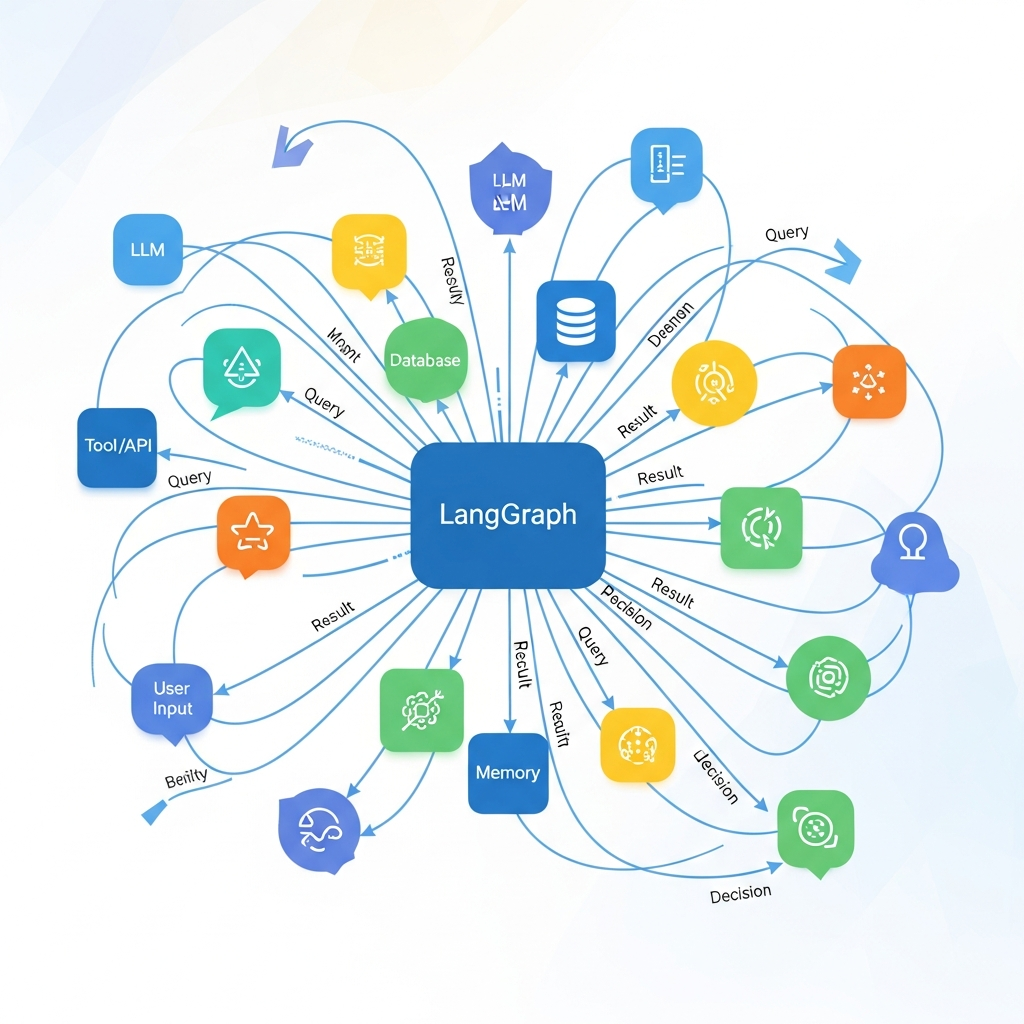
LangChain's AgentExecutor can be a tool itself, allowing you to nest agents. More advanced state management for such complex workflows can be achieved with LangGraph, an extension of LangChain that allows defining agents as nodes in a graph, enabling more explicit control over the flow of information and execution.
Planning Agents
Some agents are explicitly designed to generate a multi-step plan before executing any actions. This can be beneficial for tasks requiring intricate sequencing or where early missteps are costly. LangChain's RunnableSequence or custom chains can be used to implement planning components.
10. Best Practices for Developing Robust AI Agents
Building reliable autonomous agents requires more than just connecting components. Here are crucial best practices:
- Clear and Concise Tool Descriptions: The LLM relies solely on these descriptions to decide when and how to use a tool. Be explicit about inputs, outputs, and purpose. Ambiguous descriptions lead to tool misuse.
- Robust Tool Implementations: Your tools are the agent's connection to the real world. Ensure they handle edge cases, errors, and unexpected inputs gracefully. Add validation and try-except blocks.
- Iterative Prompt Engineering: The system prompt (or
AgentExecutor's prompt) is vital. Experiment with different phrasing, examples, and constraints to guide the agent's reasoning. Provide explicit instructions on when to stop and provide a final answer. - Observability and Debugging: Tools like LangSmith (from LangChain) are invaluable for visualizing agent traces, understanding its thought process, and pinpointing where it went wrong. For local debugging,
verbose=TrueinAgentExecutoris a good start. - Safety and Ethics: Implement guardrails. Prevent agents from accessing sensitive information, performing harmful actions, or generating biased content. Consider content moderation APIs or custom filters.
- Cost Management: Agentic workflows can quickly consume tokens due to the iterative nature and multiple LLM calls. Optimize prompts, summarize memory, and be mindful of the number of tools used. Set
max_iterationsinAgentExecutor. - Idempotency: Design tools to be idempotent where possible, meaning performing the action multiple times has the same effect as performing it once. This helps in case of retries.
- Version Control: Treat agent prompts, tool definitions, and configurations as code, and manage them with version control systems.
11. Common Pitfalls and How to Avoid Them
Developing agents comes with its own set of challenges. Being aware of these common pitfalls can save you significant debugging time.
- Hallucinations: LLMs can confidently generate incorrect information. Mitigate this by grounding the agent with fact-checking tools (like web search) and explicitly instructing it to verify critical information.
- Infinite Loops: Agents can sometimes get stuck in a loop, repeatedly trying the same action or reasoning path. Set
max_iterationsinAgentExecutorto prevent this. Refine prompts to guide the agent towards a conclusive answer. - Tool Misuse/Non-use: If the LLM doesn't use a tool when it should, or uses the wrong tool, it's often due to poor tool descriptions, an unclear prompt, or insufficient examples in the prompt. Improve descriptions, add few-shot examples if necessary.
- Context Window Limits: As conversations or tasks grow, the agent's memory (chat history) can exceed the LLM's context window. Use
ConversationSummaryMemoryorVectorStoreRetrieverMemoryfor longer contexts. - Over-reliance on LLM for Deterministic Logic: Don't ask the LLM to perform tasks that can be reliably done with deterministic code (e.g., complex data parsing, strict formatting). Use tools for these operations.
- Security Risks with
eval()or Dynamic Code Execution: Be extremely cautious when allowing an agent to execute arbitrary code (likeeval()in our simple calculator). In production, sandbox such operations or use safer alternatives. - Slow Performance: Multiple tool calls and LLM invocations can make agents slow. Optimize tool execution, minimize unnecessary LLM calls, and consider asynchronous execution for tools.
Conclusion
Building autonomous AI agents with LangChain and Google Gemini represents a significant leap forward in creating intelligent, dynamic applications. We've journeyed from understanding the core components of an agent to implementing practical examples with tools and memory, and finally, exploring advanced workflows and crucial best practices.
By leveraging LangChain's robust framework for orchestration and Gemini's powerful reasoning capabilities, you can empower your applications to perceive, reason, and act in ways previously unimaginable. The ability to integrate external tools, maintain context through memory, and follow a sophisticated reasoning loop transforms LLMs from mere text generators into true problem-solvers.
The field of autonomous agents is still rapidly evolving, with ongoing advancements in planning, self-correction, and multi-modal understanding. As you continue to experiment and build, remember to iterate on your prompts, refine your tools, and prioritize observability and safety. The future of AI is agentic, and you now have the foundational knowledge and tools to be at the forefront of this exciting revolution. Start building your own intelligent agents today and unlock their boundless potential!

Written by
CodewithYohaFull-Stack Software Engineer with 7+ years of experience in Java, Spring Boot, and cloud architecture across AWS, Azure, and GCP. Writing production-grade engineering patterns for developers who ship real software.