Understanding Angular Signals: A Comprehensive Guide
In the ever-evolving landscape of web development, Angular has remained a steadfast choice for developers building dynamic, single-page applications. Among its many powerful features, Angular Signals stand out as a crucial component for managing state and enhancing the reactive programming model within Angular applications. This guide aims to provide a comprehensive understanding of Angular Signals, their importance, and their practical application.
What Are Angular Signals?
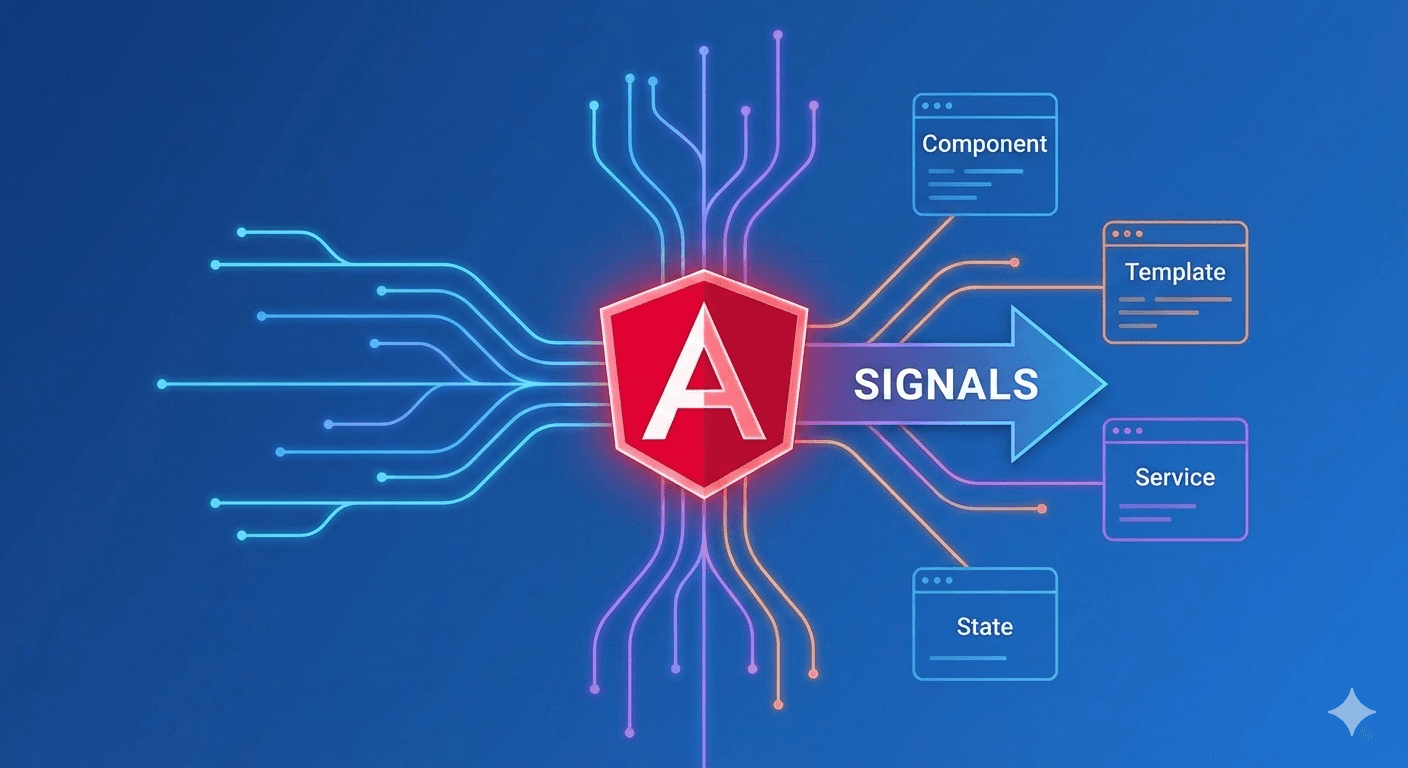
Angular Signals are a part of Angular's reactive programming model, which allows for efficient data flow and state management within an application. They are essentially observable streams of data that emit values over time, enabling components to react to changes in a declarative manner.
Key Features of Angular Signals
- Reactive: They allow components to automatically react to data changes.
- Composable: Signals can be combined to form more complex data flows.
- Declarative: They enable a clear separation between data logic and UI logic.
Why Use Angular Signals?
Enhanced Reactivity
Angular Signals facilitate a more reactive architecture by allowing components to subscribe to data changes and automatically update the UI without manual intervention. This results in cleaner and more maintainable code.
Improved Performance
By leveraging Angular Signals, developers can minimize unnecessary DOM updates and optimize the rendering process. This leads to faster and more responsive applications.
Simplified State Management
Signals provide a structured way to manage application state, reducing the complexity associated with manually handling state changes and synchronization.
Getting Started with Angular Signals
Installing Angular
Before diving into Angular Signals, ensure you have Angular installed. Use the following command to install Angular CLI if it's not already installed:
npm install -g @angular/cliCreating a New Angular Project
Create a new Angular project using the Angular CLI:
ng new angular-signals-demo
cd angular-signals-demo
Setting Up Angular Signals
To utilize Angular Signals, you need to integrate them into your project. Typically, this involves setting up a service that manages signals and injecting it into components that need to react to changes.
Creating a Signal Service
Create a new service to manage your signals:
ng generate service signalWithin the service, define your signals using Subject from RxJS, which is a key part of Angular's reactive programming model:
import { Injectable } from '@angular/core';
import { Subject } from 'rxjs';

@Injectable({
  providedIn: 'root'
})
export class SignalService {
  private dataSignal = new Subject<string>();

  data$ = this.dataSignal.asObservable();

  emitData(data: string) {
    this.dataSignal.next(data);
  }
}
Using Signals in a Component
Inject the SignalService into your component to start using signals:
import { Component, OnInit } from '@angular/core';
import { SignalService } from './signal.service';

@Component({
  selector: 'app-signal-demo',
  template: `<div>{{ data }}</div>`,
})
export class SignalDemoComponent implements OnInit {
  data: string = '';

  constructor(private signalService: SignalService) {}

  ngOnInit(): void {
    this.signalService.data$.subscribe((data) => {
      this.data = data;
    });
  }
}
Best Practices for Using Angular Signals
Keep Signals Simple
Keep your signals focused on specific data changes to avoid unnecessary complexity. Each signal should ideally represent a single piece of state.
Use Pipes for Transformation
Use RxJS operators and pipes to transform signal data as needed without altering the original signal logic.
Clean Up Subscriptions
Always unsubscribe from signals when they are no longer needed, such as when a component is destroyed, to prevent memory leaks.
Conclusion
Angular Signals are a powerful tool that enhance the reactive programming capabilities of Angular applications. By providing a structured way to manage data flow and state changes, signals make it easier to build responsive, efficient, and maintainable web applications. As you continue to explore Angular, mastering signals will undoubtedly be a valuable skill in your development toolkit.
By understanding and effectively utilizing Angular Signals, you can create applications that are not only robust and scalable but also offer a seamless user experience.

Written by
CodewithYohaFull-Stack Software Engineer with 7+ years of experience in Java, Spring Boot, and cloud architecture across AWS, Azure, and GCP. Writing production-grade engineering patterns for developers who ship real software.